How to View & Download Instagram Highlights Anonymously
When most people think about anonymous Instagram viewing, they’re thinking about stories — those 24-hour posts that disappear by the next morning. But Highlights are a different beast entirely. They sit right on a profile, labeled with custom covers and titles, and they stick around indefinitely. A business might use them to showcase products. A journalist might archive key coverage. A creator might pin their best work front and center for anyone who lands on their page.
Because Highlights are permanent and public, they’re often more revealing than stories — and more worth tracking. The good news is that you can view and download them just as anonymously as you can with regular stories.
Stories vs Highlights — What’s the Difference?
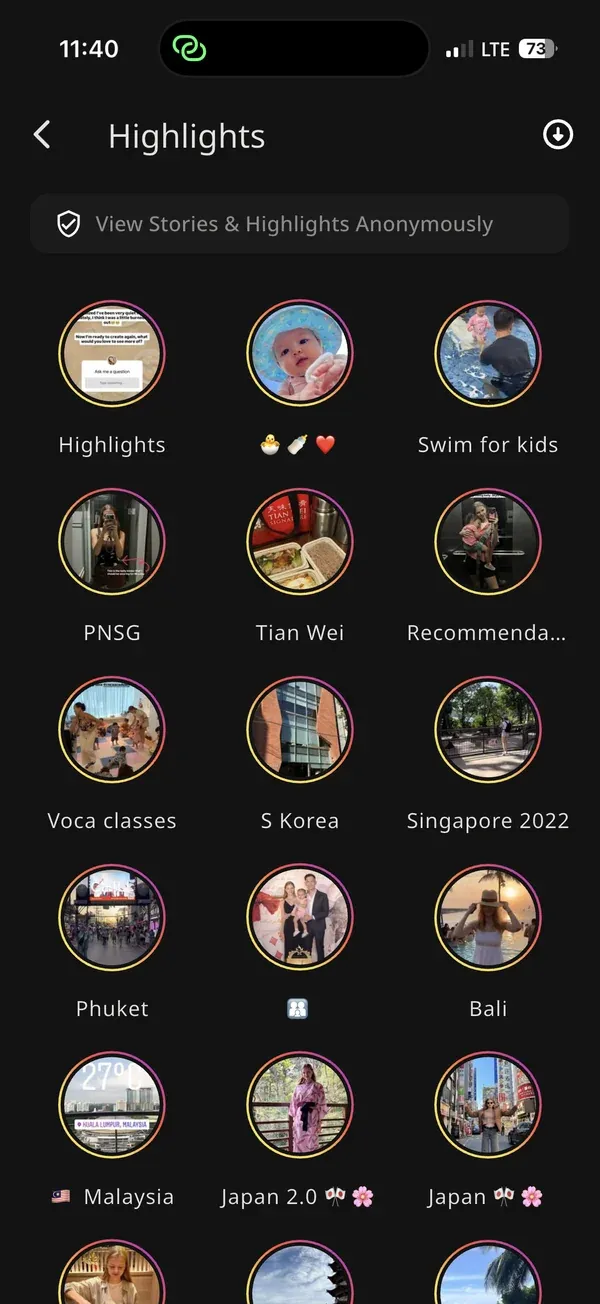
Regular Instagram stories expire after 24 hours. They appear at the top of your feed as a ring around someone’s profile photo, and once that window passes, they’re gone. You can only catch them while they’re live.
Highlights, on the other hand, are collections of old stories that the account owner has manually saved and pinned to their profile page. They never expire on their own — the owner has to delete them. They’re organized into named reels (think “Travel 2024”, “Menu”, “Press”, “Behind the Scenes”) and visible to anyone who visits the profile, whether or not they follow the account.
From an access standpoint, this matters: Highlights are available any time, not just in a 24-hour window. That makes them easier to research at your own pace, but it also means the account owner has had more time to polish them — what’s in a Highlight was intentionally kept.
Can You View Highlights Anonymously?
Yes. Instagram does not notify profile owners when someone views their Highlights, unlike direct messages where seen receipts apply. But there’s a subtler risk: if you’re logged into your own Instagram account and you open someone’s Highlights through the app, your activity is still tied to your session. Instagram can see that your account interacted with that profile even if no explicit notification is sent to the owner.
The cleaner approach is to view Highlights through a tool that sits outside your Instagram account entirely — either an anonymous viewer app or a browser-based viewer that doesn’t touch your credentials at all.
Method 1: IncoStory App
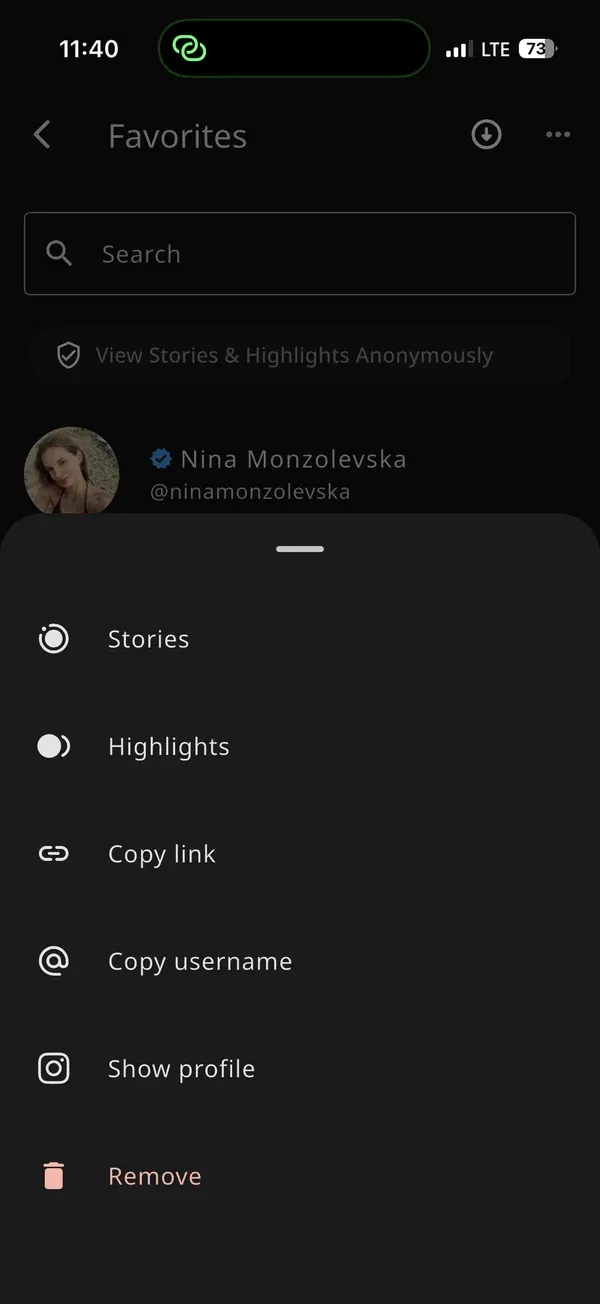
The IncoStory mobile app lets you browse and view Highlights without your account appearing anywhere on the other person’s side.
-
Download and open the IncoStory app from the IncoStory homepage. It’s available for iOS and Android.
-
Search for the profile using the username. IncoStory will pull up the account’s current stories and their Highlights reels — all visible from one screen.
-
Tap a Highlights reel to open it. You’ll see the reel’s title, cover image, and all the story clips that were added to it. These play back in order just like the original stories did.
-
Browse anonymously. The account owner won’t see your name in any viewer list, and IncoStory doesn’t interact with Instagram’s notification system on your behalf. You’re invisible.
If the profile is private and you follow it from your own Instagram account, you can log into IncoStory with your Instagram credentials to access private Highlights as well — still without appearing in any viewer lists.
Method 2: IncoStory Online Viewer
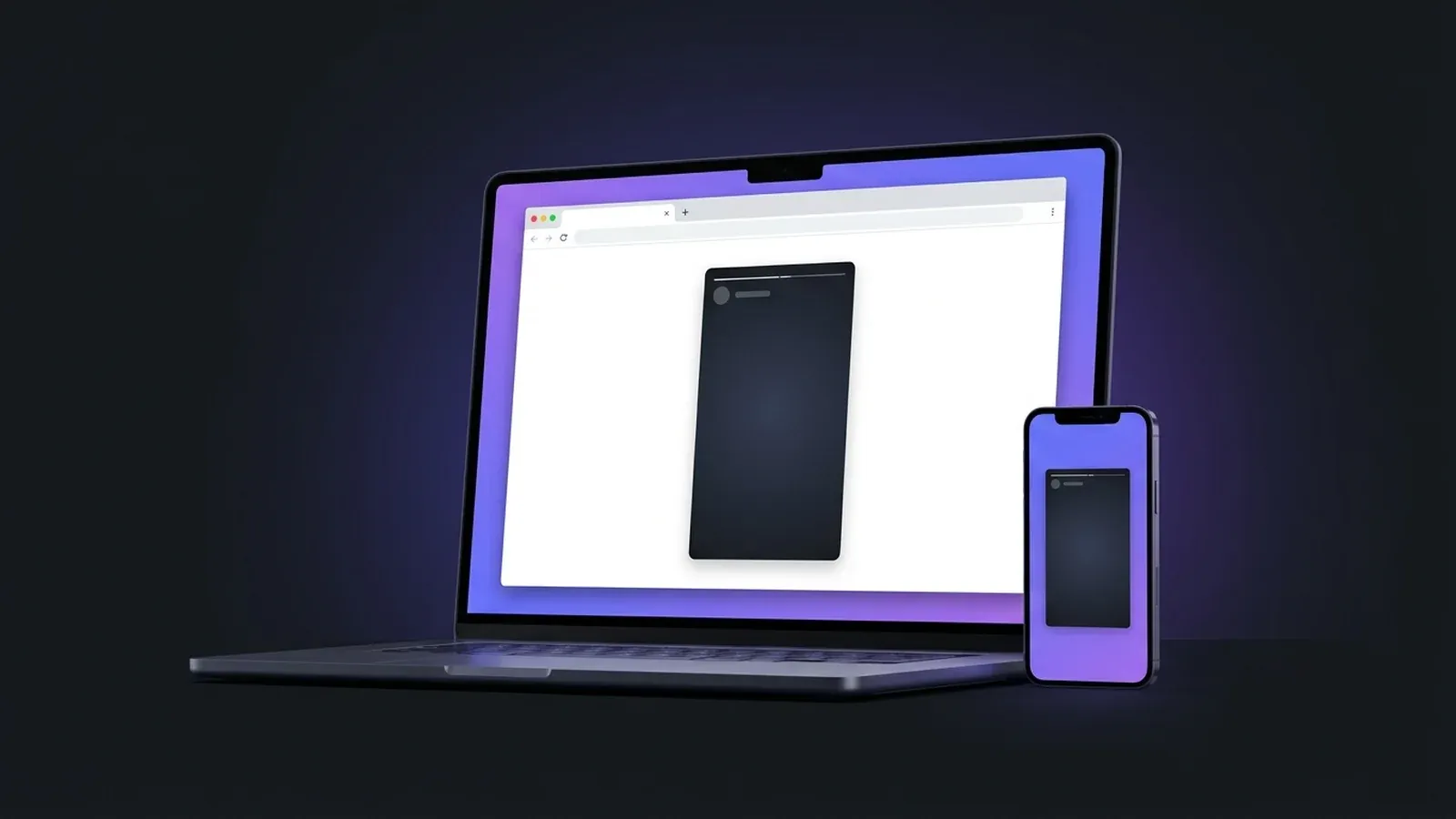
If you’d rather not install an app, the browser route works just as well for public profiles. Head to the IncoStory Online Viewer — it runs in any browser on any device, including desktop, and requires no login or account creation.
Type a public Instagram username into the search field. The viewer will display both the account’s active stories and their Highlights reels in a clean interface. Click on any Highlight to open it, scroll through the clips, and watch each one without the owner being notified.
The web viewer is especially useful when you’re doing research from a computer or don’t want to clutter your phone with an additional app. Since it’s entirely browser-based, there’s nothing tied to your identity — no cookies with your Instagram session, no account fingerprint, nothing.
One thing to keep in mind: the web viewer works only with public profiles. For private accounts, the IncoStory app with Instagram login is the way in.
Downloading Highlights
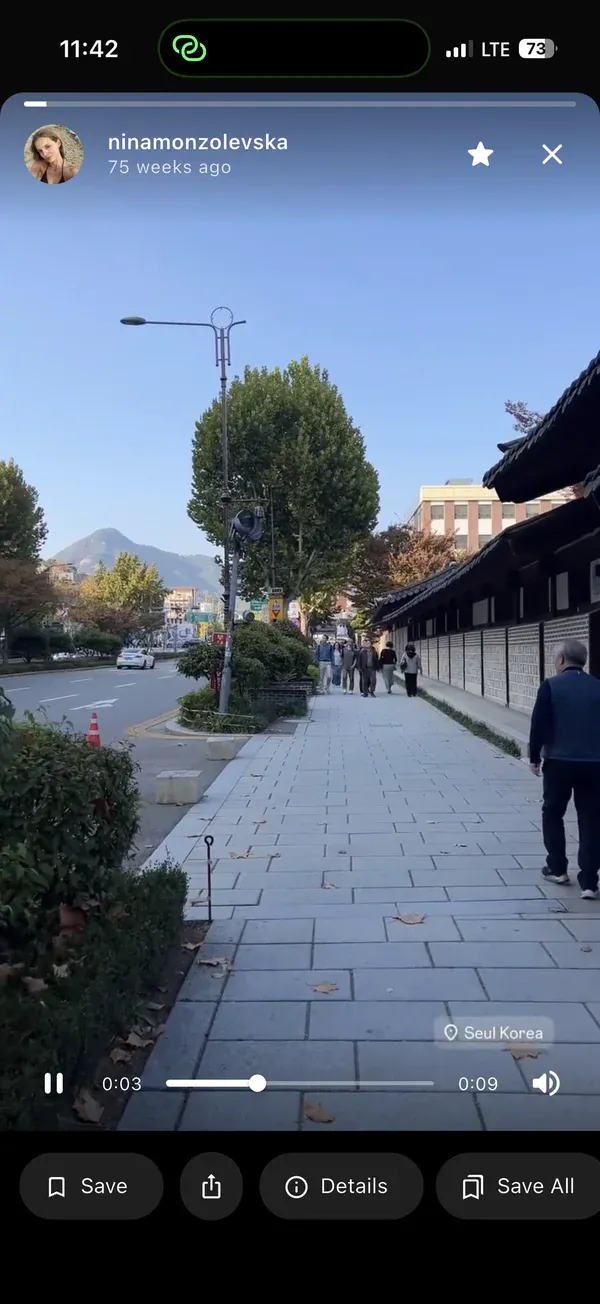
Both the app and the web viewer let you download Highlight clips, not just view them.
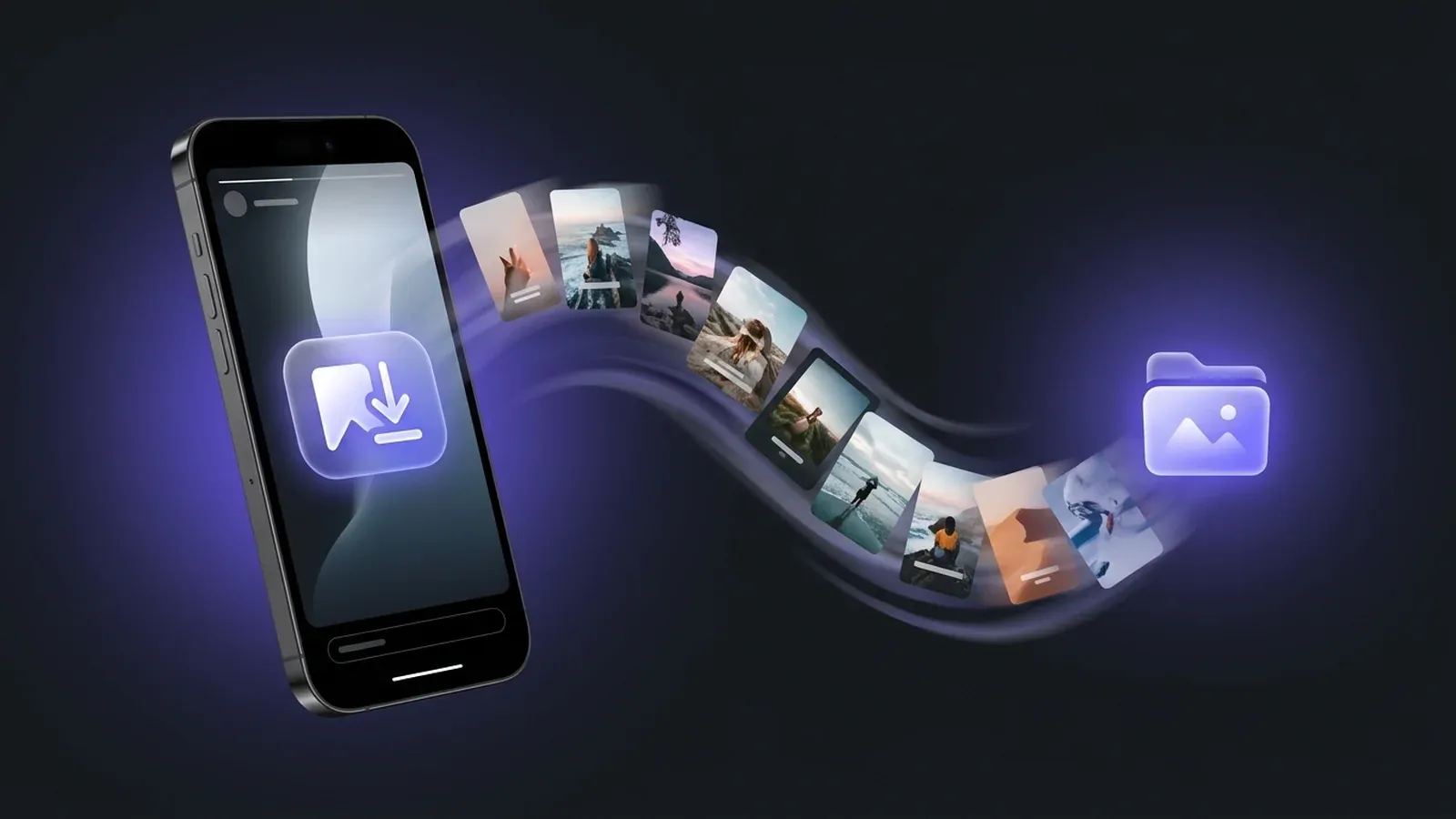
In the app, an individual clip download button appears while a clip is playing. For full Highlight reels, IncoStory’s Bulk Save feature lets you download an entire reel — or all Highlights from a profile — in one action rather than saving each clip manually. This is the same Bulk Save feature covered in our guide on how to download all Instagram stories from a user at once.
In the web viewer, each story clip within a Highlight has a download button. Click it to save the file to your computer or phone. It’s one clip at a time via the browser, but for targeted saves that’s usually enough.
All downloads through the app go into IncoStory’s Private Gallery — a PIN-protected in-app storage area separate from your camera roll. Files stay there until you decide to export or delete them.
Use Cases: Why Track Highlights?
Anonymous Highlights viewing comes up in a surprising number of practical situations:
Competitor research. If you’re in business, a competitor’s Highlights are a goldmine. Pricing, products, promotions, FAQs — smart companies pin all of this. You can monitor what they’re emphasizing without them knowing your company has been browsing.
Journalism and verification. Reporters often use Instagram profiles as a primary source. Highlights contain archived posts that have been deliberately preserved — interviews, event coverage, statements. Being able to view and download them without alerting the subject matters when you’re in early research stages.
Content curation and inspiration. Creators, marketers, and social media managers often browse competitor or partner accounts for content ideas. Doing that anonymously means you’re not telegraphing your interest or your research areas to the people you’re studying.
Personal situations. Sometimes you simply want to see what someone has posted without triggering the social anxiety of being seen. There’s nothing wrong with that.
FAQ
Does Instagram notify someone when I view their Highlights?
No. Instagram does not send explicit notifications when a user’s Highlights are viewed. However, Instagram may still log your activity if you’re browsing through your own account. Using IncoStory — either the app or the web viewer — keeps your viewing outside your Instagram session entirely, so there’s no account-level activity to log.
Can I view Highlights from private accounts?
Only if you already follow that private account on Instagram. In that case, the IncoStory app lets you log in with your Instagram credentials and access the private account’s Highlights without appearing in their viewer lists. The web viewer is limited to public profiles only.
What happens to expired stories that were added to Highlights?
When an account owner adds a story to a Highlight, Instagram keeps that story available as part of the Highlight even after the original 24-hour window has passed. As long as the Highlight itself isn’t deleted by the owner, those story clips remain accessible. IncoStory can view and download any clips that are currently in an active Highlight reel.
Can I download Highlight covers?
Yes. Highlight covers are usually custom images or story clips that the account owner set as the reel thumbnail. IncoStory treats them as part of the reel content, so they can be downloaded just like any other clip.
Is IncoStory free to use for Highlights?
Yes. Both the web viewer and the IncoStory app are free to use. The web viewer has no restrictions for public profile Highlights. The app’s free tier includes a generous daily allowance of story and Highlight views; a paid plan removes those limits and unlocks additional features like unlimited bulk downloads.
Anonymous Highlights viewing pairs naturally with anonymous story viewing — they’re two sides of the same privacy-first approach to Instagram research. If you’re new to that approach, our roundup of the best ways to view Instagram stories anonymously is a good place to start. And if you’re trying to decide between IncoStory and other tools like StoriesIG, the IncoStory vs StoriesIG comparison breaks down exactly where each one fits.

View Instagram Stories Anonymously
Right in your browser, no login needed. Or get the app for unlimited viewing and downloads.
★ 4.9 · 250K+ users