StoriesIG vs IncoStory: Which One to Choose for Anonymous Instagram Story Viewing?
Anonymous Instagram story viewing is a popular request among users who want to stay unnoticed while checking out other people’s content. Whether it’s out of curiosity or the desire to avoid unwanted attention, many users seek tools to view Instagram stories anonymously. Among the most popular options are the StoriesIG website and IncoStory — which now offers two ways to use it: a free web viewer for quick, one-off checks and a full-featured mobile app for regular use. In this comparison, we’ll dive into their features, pros, and cons to help you decide which tool best suits your needs.
StoriesIG Website
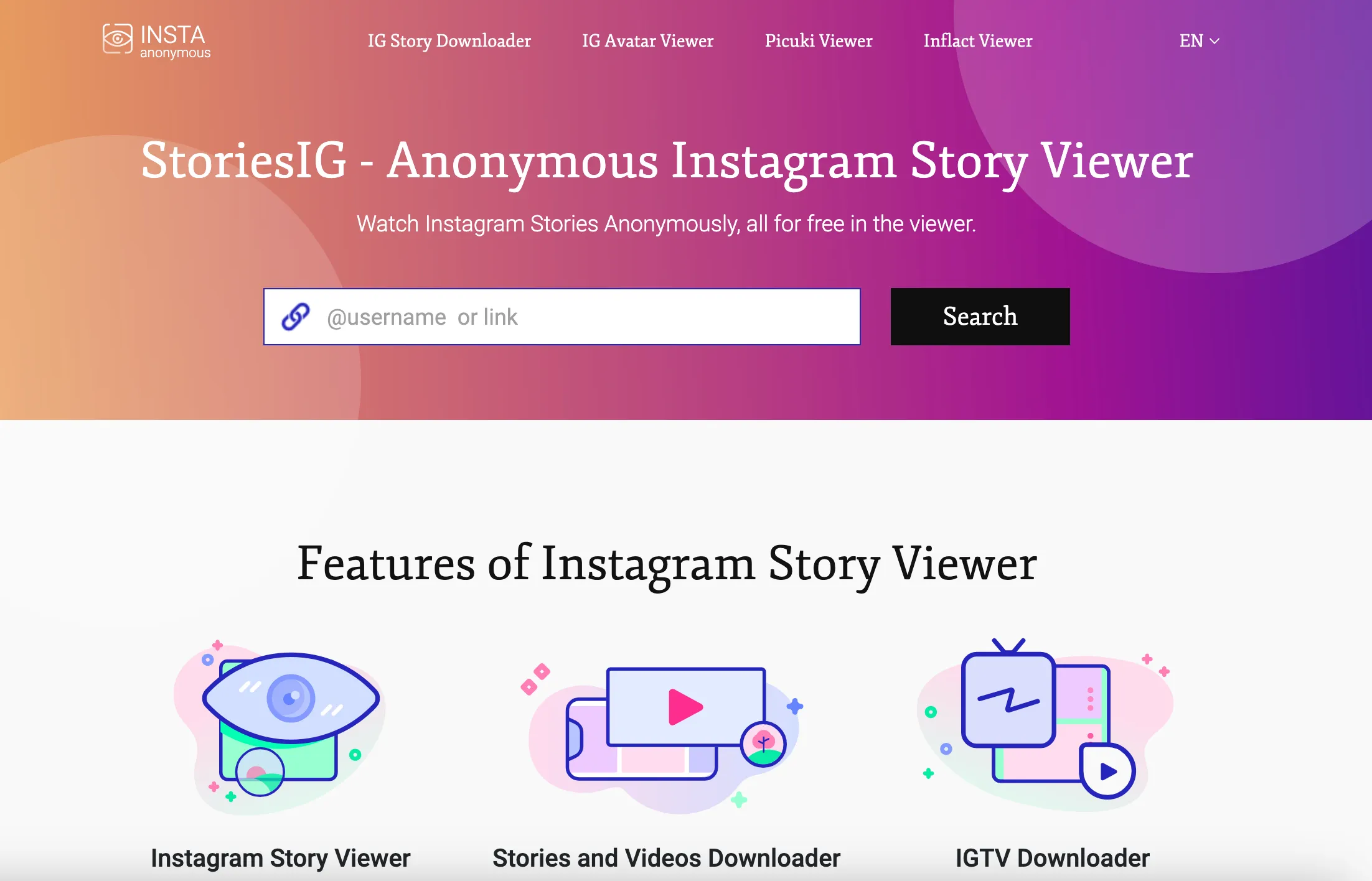
The StoriesIG website provides a quick and easy way to view Instagram stories anonymously without requiring an Instagram login. Simply enter the username in the search bar, and you’ll see all available stories without the account owner being notified.
✅ Pros of StoriesIG:
- No need to install any apps – view stories directly in your browser.
- Fully anonymous Instagram story viewer without logging in.
❌ Cons of StoriesIG:
- Not optimized for mobile – the site works best on desktops and may not display properly on smartphones.
- No bookmarks – you have to manually enter usernames each time you want to check a story.
- Only works with public profiles – private accounts are not accessible.
- Downloaded stories are saved in the phone’s gallery, making them visible to others.
- Lack of data protection – there’s no option to secure access with a password or biometric authentication.
IncoStory App
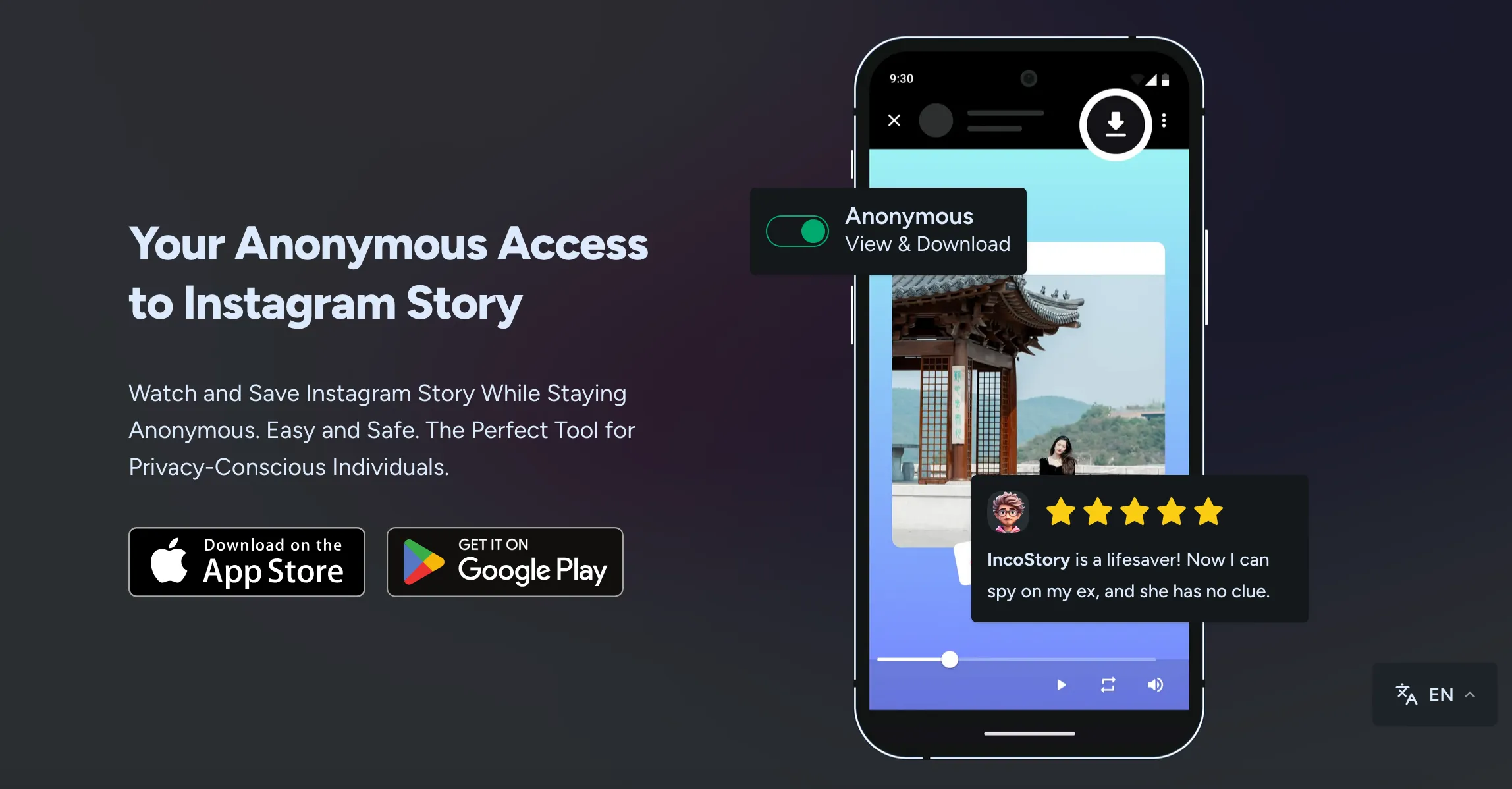
IncoStory is both a free web viewer and a mobile application for iOS and Android, offering a more advanced experience for viewing Instagram stories anonymously. Not ready to install anything? Use the web viewer right now — no registration required. Need more power and convenience day to day? The mobile app has you covered.
✅ Pros of IncoStory:
- 🌐 Web viewer too — no install needed – open incostory.com/instagram-story-viewer, type a username, and watch stories instantly in your browser. Same anonymity as StoriesIG, plus the full IncoStory ecosystem when you need it.
- 📱 Optimized for mobile – a smooth and user-friendly experience on smartphones, both in the browser and in the app.
- 🔖 Bookmark profiles – save users and revisit them quickly without re-entering usernames.
- 🔐 View stories from private accounts – log into your Instagram account and watch stories from followed accounts without appearing in the viewers list.
- 🛡️ Private gallery – saved stories are stored securely within the app instead of cluttering your phone’s gallery.
- 🔑 Password and Face ID protection – lock the app for extra security.
- ⚡ Fast content loading – optimized caching ensures quicker access to stories.
- 📥 Download Instagram stories and watch offline – save content for later viewing.
- ⚙️ Customizable settings – sort stories, enable notifications, and filter content easily.
❌ Cons of IncoStory:
- App installation required for advanced features – private account access, bookmarks, and offline downloads need the mobile app. The web viewer covers basic anonymous viewing for free.
- Free version limitations – daily limits on bookmarks and story views in the mobile app.
Try IncoStory Online — No Install
Not everyone wants to download an app just to peek at a few stories. That’s exactly why IncoStory built a free web viewer at https://incostory.com/instagram-story-viewer.
How it works: enter any public Instagram username, hit search, and browse their stories anonymously — right in your browser, on any device, with no account or registration needed. It’s completely free and works just as well on mobile as on desktop.
If a one-time anonymous look is all you need, the web viewer is the fastest path. And if you find yourself coming back regularly, switching to the IncoStory app takes seconds — your bookmarks, downloads, and private-account access are all waiting for you.
Final Verdict: Which One Should You Choose?
The old framing of StoriesIG vs IncoStory was simple: web tool vs mobile app. That’s no longer the whole story. IncoStory now offers a complete ecosystem — an instant web viewer for casual checks and a feature-rich mobile app for power users — while StoriesIG remains a single-purpose online tool.
If you want a quick, anonymous, one-time Instagram story viewer right in your browser, both StoriesIG and IncoStory’s web viewer deliver that. But IncoStory goes further the moment you need anything more: private account support, bookmarks, secure offline downloads, or biometric app lock.
🔹 StoriesIG is a solid, straightforward option for occasional anonymous story viewing — nothing more, nothing less.
🔹 IncoStory is a full-featured platform: start with the free web viewer online, upgrade to the app whenever you’re ready.
👉 The choice is yours!
Frequently Asked Questions
Is StoriesIG safe to use? StoriesIG is a public web tool and doesn’t require a login, so there’s no risk of exposing your Instagram credentials. However, it has no data protection features — stories you download go straight to your regular camera roll and there’s no password lock. IncoStory’s private gallery and biometric protection offer a more secure alternative.
Can IncoStory view private accounts? Yes — but only through the mobile app. When you log into the IncoStory app with your own Instagram account, you can watch stories from private accounts you already follow without your username appearing in the viewers list. The web viewer works only with public profiles.
Does the IncoStory web viewer work on mobile? Absolutely. The IncoStory web viewer at incostory.com/instagram-story-viewer is fully responsive and works smoothly on iOS and Android browsers — no app download needed. StoriesIG, by contrast, is primarily desktop-oriented and can feel cramped on a phone screen.
Is IncoStory free? Yes. The web viewer is entirely free with no registration required. The mobile app also has a free tier with generous daily limits on story views and bookmarks. A paid plan removes those limits and unlocks additional features.
Do I need to log in to use IncoStory? No login is needed to use the web viewer — just go to incostory.com/instagram-story-viewer and enter a public username. To watch stories from private accounts you follow, the mobile app requires a one-time Instagram login, which is handled securely and never stored on IncoStory’s servers.

View Instagram Stories Anonymously
Right in your browser, no login needed. Or get the app for unlimited viewing and downloads.
★ 4.9 · 250K+ users