IncoStory Features Explained: Every Tool You Get
Most anonymous story viewer tools do exactly one thing: you type a username, you see the stories, you leave. They’re fine for a one-off look, but they stop there. IncoStory is built differently — it’s an ecosystem made up of a web tool for quick, no-install checks and a mobile app packed with features for people who use it regularly. If you’ve wondered what exactly you’re getting with IncoStory, this is the full picture.
Anonymous Story Viewing
Anonymous viewing is the core of everything IncoStory offers, and it works on a simple principle: you can watch someone’s public Instagram stories without that person ever knowing you were there. No notification, no view count increment, no trace.
On Instagram itself, story views are tracked — every person who opens your story is logged, and you can see exactly who watched. That’s by design for the platform, but it creates an awkward dynamic for people who want to check a story without announcing themselves. Screenshotting stories manually doesn’t help either; Instagram has notified users about screenshots at various points in its history, and the process itself is clunky — open the story, screenshot quickly before it advances, repeat for every frame.
IncoStory bypasses all of that. You look up a profile, the stories load in IncoStory’s interface, and you watch them on your own terms. The account owner’s view counter stays untouched, and your username never appears in their viewers list.
This works through both the web viewer and the mobile app. The mechanism is the same either way; where they differ is in depth of features, which the sections below cover in detail.
Web Viewer for Quick Checks
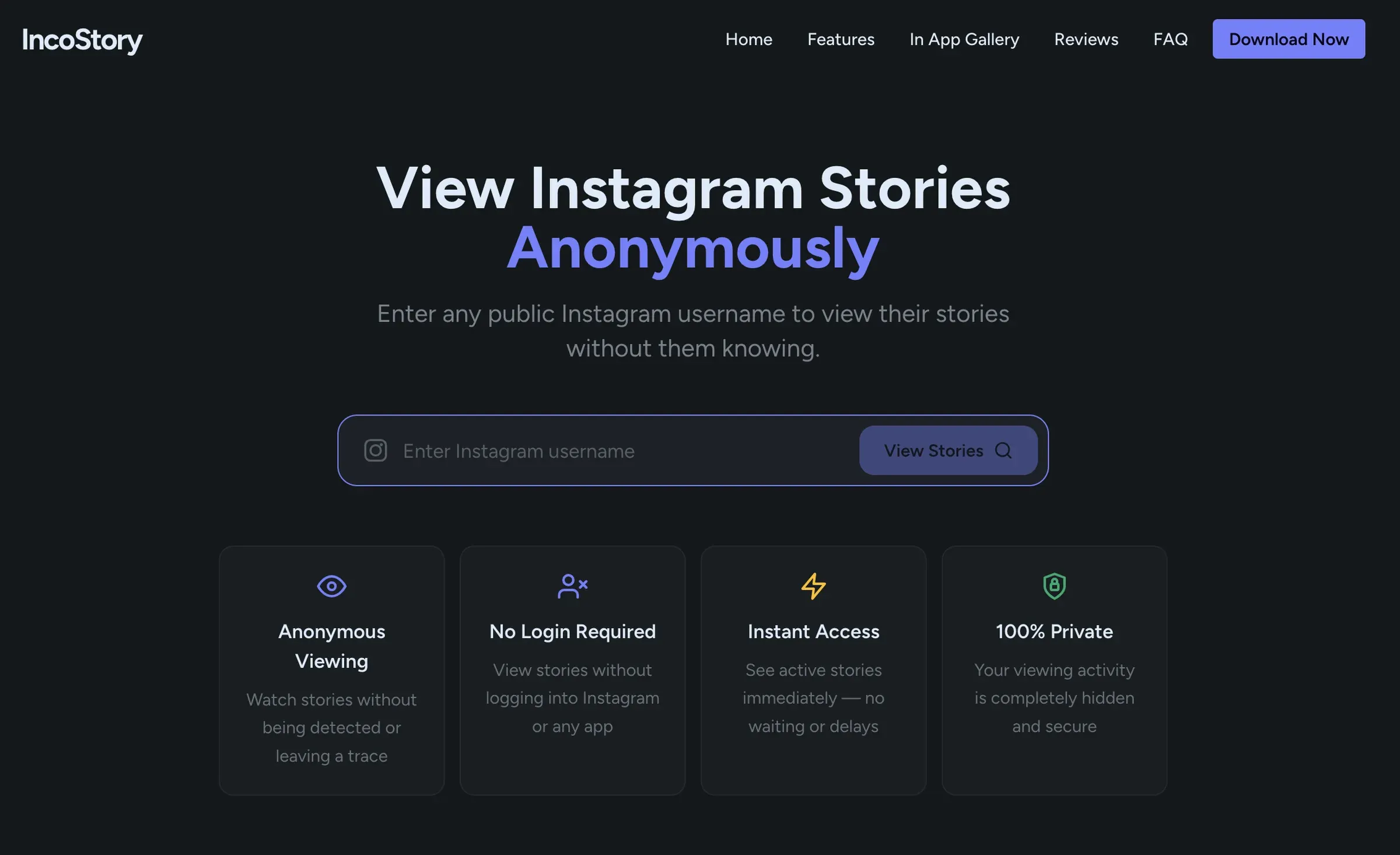
The IncoStory Online Viewer requires nothing from you — no account, no installation, no registration. Open a browser on any device, go to the page, type in a public Instagram username, and the current stories for that account appear immediately.
This makes the web viewer the right choice when you have a one-off question. You heard a brand mentioned somewhere and want to see what they posted today. You’re on a laptop and don’t have the app handy. You want to show someone else a story without them needing to install anything. The web viewer handles all of those cases cleanly.
It’s fully responsive, so it works just as well on a phone browser as on a desktop. Individual download buttons appear on each story frame if you want to save something. And because it’s in a browser tab, there’s no footprint left on your device beyond the tab itself.
Mobile App for Daily Use
For people who check stories regularly — whether that’s monitoring a competitor’s account, keeping up with a creator, or staying in the loop on public figures — the mobile app is the better home base. IncoStory is available on both Android and iOS, and the app unlocks features that don’t exist in the web viewer.
The most significant of those is private account access. If you’re logged into the IncoStory app with your own Instagram account and you already follow a private profile, you can watch that profile’s stories through IncoStory without appearing in the viewers list. The app handles the session securely — your credentials are never stored on IncoStory’s servers.
Login is optional. If you only ever need to view public profiles, you can use the app without connecting an Instagram account at all. The login prompt only matters if private-account access is something you need.
Story Downloader (Save Stories Locally)
IncoStory lets you save individual stories directly to your device — both photos and videos download in the same resolution they were uploaded to Instagram, which caps out at 1080×1920 pixels for story content. There’s no compression step and no quality loss introduced by the download process.
People save stories for a range of reasons. Some are personal: a friend posts a story about an event you want to remember, or a family member shares something you’d like to keep. Some are professional: marketers archive competitor campaigns, journalists save posts that might be deleted, researchers collect content for analysis. Some are practical: saving a recipe someone posted before the 24 hours runs out.
Whatever the reason, the download happens in one tap. On the web viewer, each story frame has its own save button. In the app, the same applies, and downloads are routed to the Private Gallery rather than your phone’s main camera roll (more on that below).
One thing worth knowing about video stories with music: Instagram processes audio differently depending on how a story was created, which can affect what ends up in the downloaded file. For the full explanation of what to expect and how to handle it, the guide to downloading Instagram stories with music covers that specifically.
Bulk Save: Download All Stories at Once
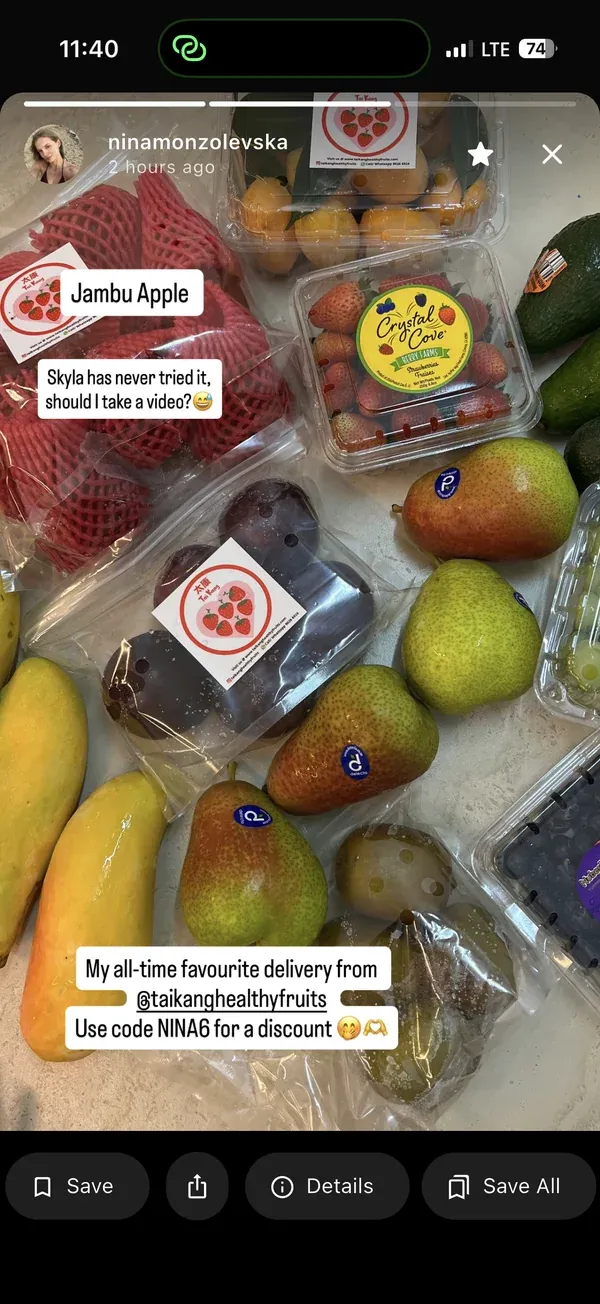
The Bulk Save feature is for situations where one-at-a-time downloading isn’t realistic. If a profile has posted 18 stories since yesterday and you need all of them, tapping through each one and saving individually is a grind. Bulk Save collapses that into a single action.
Search for a username in the IncoStory app, tap the Bulk Save button on the profile, and IncoStory queues the download for every active story that account currently has posted. The app handles it in the background — you don’t have to stay on the screen while it runs. When it’s done, the full set appears in your Private Gallery, organized by username and date.
This feature is particularly useful for people who track accounts on a schedule. A social media manager monitoring a competitor, a researcher archiving daily posts, a creator keeping tabs on industry trends — any workflow where you’re returning to the same profiles repeatedly and need everything they’ve posted. The bulk download guide has the full step-by-step walkthrough including how Bulk Save works for private accounts you follow.
Highlights Viewer & Downloader
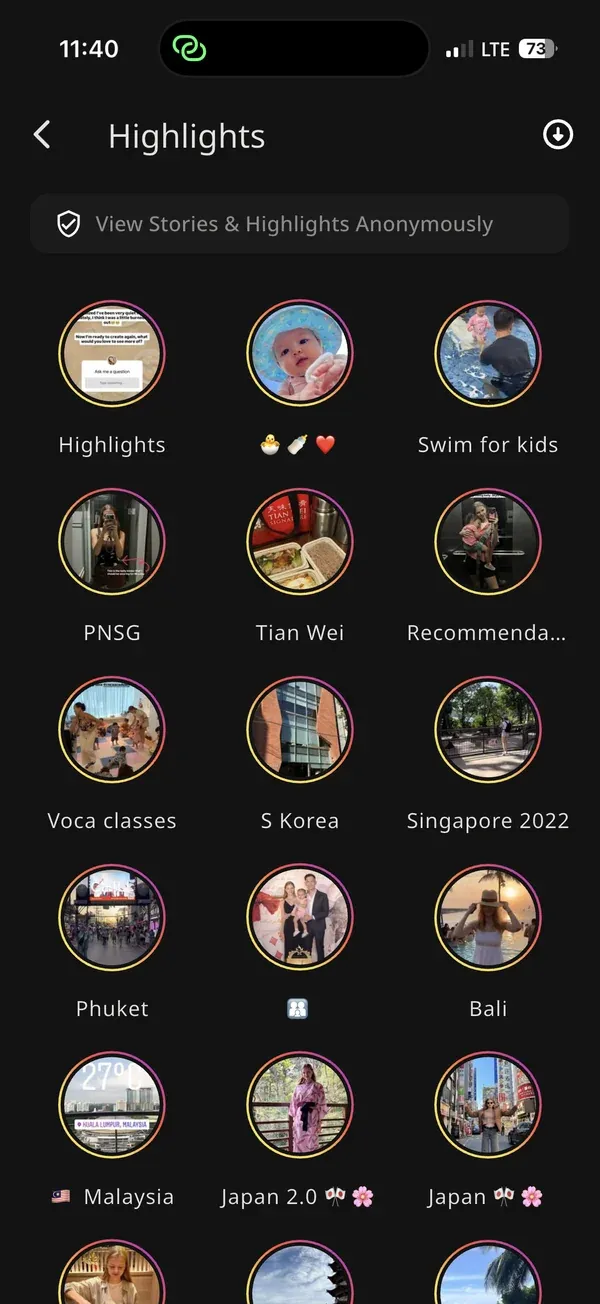
Highlights are distinct from stories in one critical way: they don’t expire. While regular stories vanish after 24 hours, Highlights are collections that account owners have pinned to their profile indefinitely. They’re often more curated — a business’s product showcase, a journalist’s archived coverage, a creator’s best-of reel — and they stick around as long as the owner keeps them.
IncoStory lets you view and download Highlights with the same anonymity as regular stories. You don’t need to follow the account, you don’t need to be logged in (for public profiles), and the account owner has no way of knowing you looked. Highlight downloads go through the same process as story downloads: tap to save, files go to your Private Gallery, original quality preserved.
The practical implication is that Highlights are available at your own pace. There’s no 24-hour deadline pushing you to check before they disappear. You can browse a profile’s entire Highlights archive — sometimes spanning years of content — without any time pressure. For a complete walkthrough of how to access and download Highlights, see the guide to viewing Instagram Highlights anonymously.
Favorites List: Bookmark Profiles
If you check the same handful of accounts regularly, re-typing usernames every session adds up to a surprising amount of friction over time. The Favorites feature solves this by letting you bookmark profiles directly inside the app.
Tap the bookmark icon on any profile you’ve searched for, and that account gets added to your Favorites list. From then on, it appears at the top of the app’s home screen — no search required. Tap a favorited profile and its current stories load immediately.
For anyone who tracks more than a few accounts, Favorites makes the app feel much more like an actual dashboard than a search tool. You open the app, see your list, and work through it without any repeated setup.
Private Gallery: PIN-Protected Storage
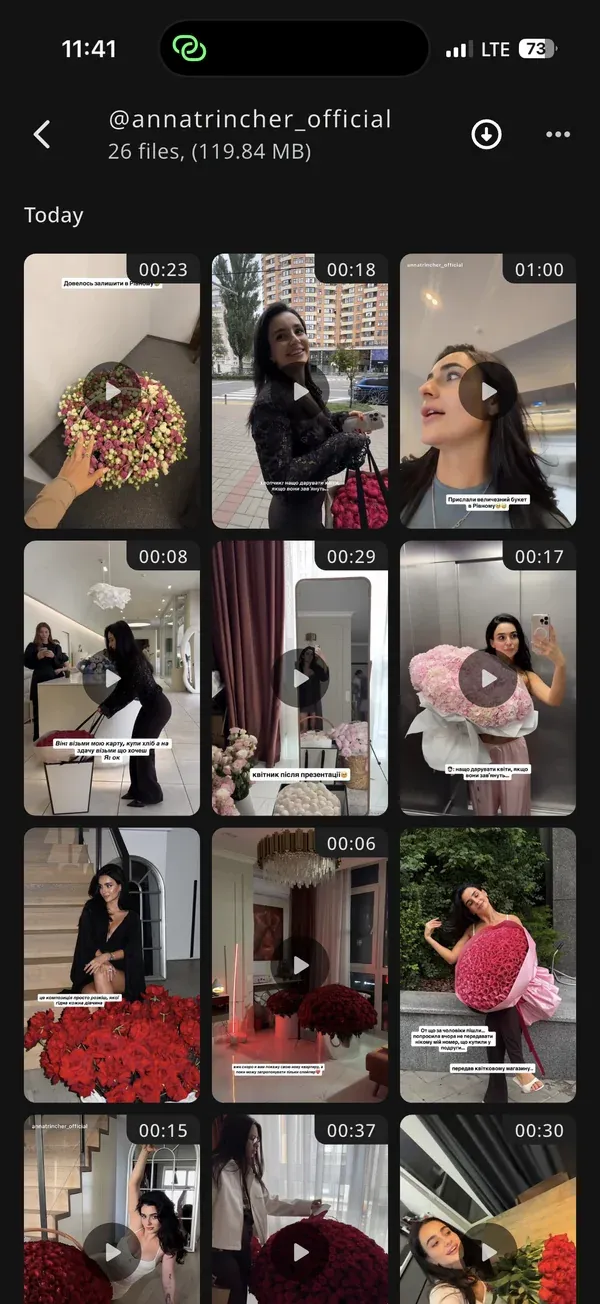
Every story and highlight you download through IncoStory goes into the app’s Private Gallery by default — a storage area that is completely separate from your phone’s main camera roll, Photos app, or photo library.
This matters for a few reasons. Stories in the Private Gallery don’t show up in your phone’s default photo app, won’t appear in shared albums, and won’t sync to iCloud or Google Photos unless you explicitly export them. If someone picks up your phone and opens Photos, they won’t find anything you’ve saved through IncoStory.
The gallery itself is protected by a PIN code, with Face ID and fingerprint unlock also supported on compatible devices. So even within the app, the content requires active authentication to access. For people who use IncoStory for sensitive research, professional monitoring, or simply want a clean separation between their personal photo library and downloaded story content, the Private Gallery is a meaningful layer of control.
If you do want to move something out of the gallery — to share it, edit it elsewhere, or back it up to your regular storage — you can export individual files from within the Private Gallery in a single tap.
Frequently Asked Questions
Is IncoStory free?
Yes. The web viewer is completely free with no account required. The mobile app also has a free tier that covers story viewing, individual downloads, and a limited number of bookmarks. A paid plan removes daily limits and unlocks the full feature set, including unlimited Favorites and unrestricted Bulk Save use.
Does IncoStory work on iOS and Android?
Yes, the mobile app is available on both platforms. The web viewer works in any modern browser on any device — iOS, Android, Windows, macOS — without installation.
Can I use IncoStory without an Instagram account?
Yes. Both the web viewer and the mobile app work without any Instagram login for public profiles. You only need to connect an Instagram account in the mobile app if you want to access stories from private accounts you already follow.
Does the story owner know I viewed?
No. IncoStory is specifically built so that your activity is not visible to the account you’re looking at. The profile owner won’t see your username in their story viewers list, and there are no notifications triggered for downloads. This applies to both the web viewer and the mobile app.
What’s the difference between the web viewer and the app?
The web viewer is the faster starting point — no download, no account, just go to IncoStory Online Viewer and enter a username. It supports anonymous viewing of public profiles and individual story downloads.
The app has everything the web viewer does, plus Bulk Save, Favorites, private account access (when logged in), the PIN-protected Private Gallery, and offline access to downloaded content. The right choice depends on how often you use it: the web viewer for occasional checks, the app for regular use.
If you’re ready to try it out, the web viewer is the fastest way to start — no install, no account, just a username. For everything the platform offers, download the IncoStory app and explore the full feature set. And if you’re weighing IncoStory against other options, the StoriesIG vs IncoStory comparison breaks down how they stack up side by side.

View Instagram Stories Anonymously
Right in your browser, no login needed. Or get the app for unlimited viewing and downloads.
★ 4.9 · 250K+ users