4 Ways to View Instagram Stories Anonymously
Instagram stories are a popular way to share moments, but there are times when you might want to view someone’s story without them knowing. Whether it’s to avoid awkwardness or maintain privacy, here are four methods to view Instagram stories anonymously — from a quick browser check that needs zero setup, to more involved workarounds you can do right inside the app.
1. Airplane Mode
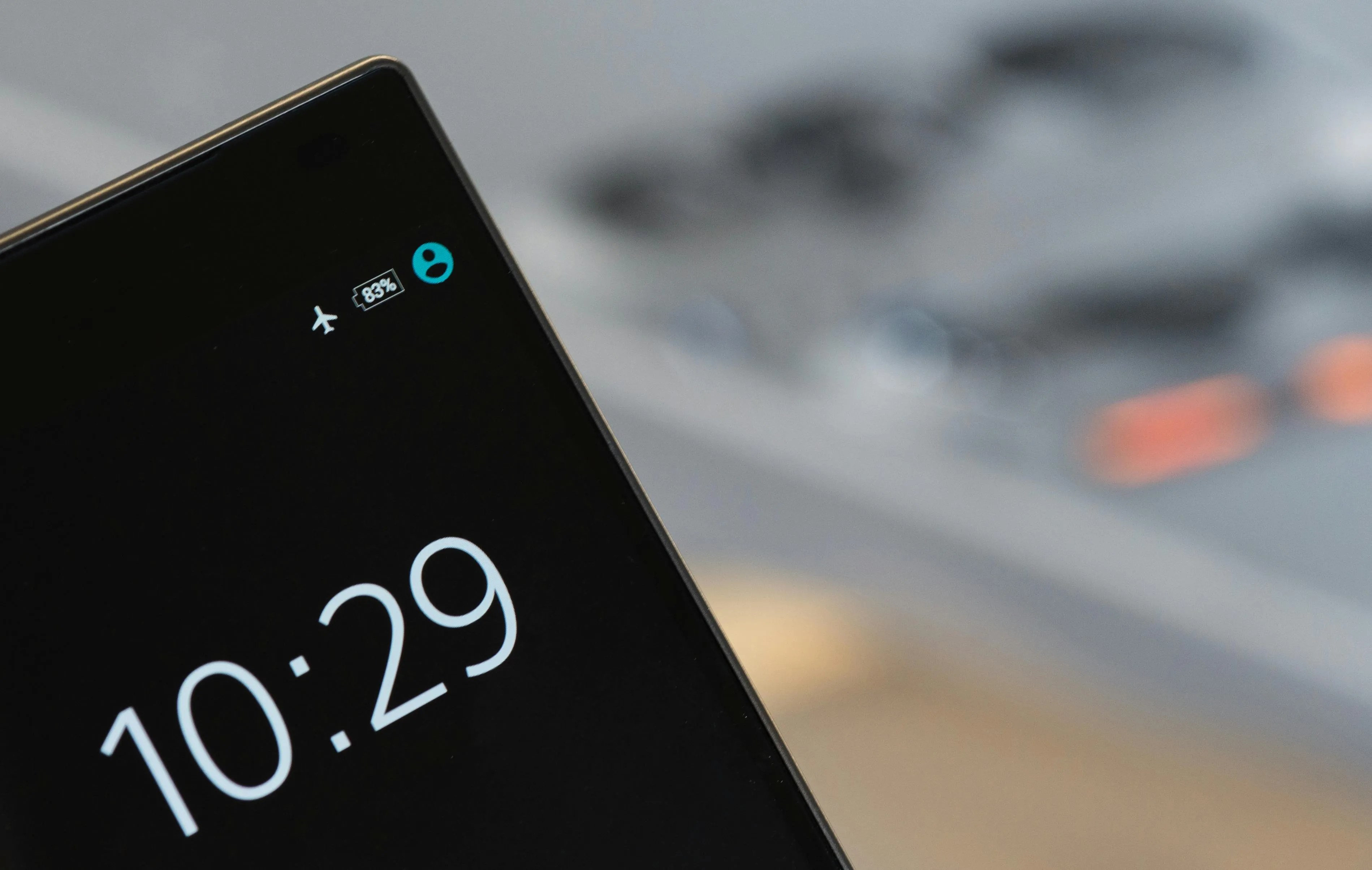
One of the simplest methods to view Instagram stories anonymously involves using Airplane Mode. Here’s how to do it:
- Open Instagram and Go to the User’s Profile: First, open Instagram and navigate to the profile of the user whose stories you want to view.
- Load the Stories: Wait for the stories to load. You can tell they are fully loaded when the circular story icon is highlighted around the user’s profile picture.
- Enable Airplane Mode: Once the stories are loaded, turn on Airplane Mode on your device. This disconnects your device from the internet.
- View the Stories: With Airplane Mode enabled, go back to Instagram and view the stories. Since your device is offline, Instagram cannot register that you have viewed the story.
- Close Instagram Before Disabling Airplane Mode: Make sure to close the Instagram app entirely before turning off Airplane Mode to ensure your view isn’t recorded.
2. Use IncoStory Application
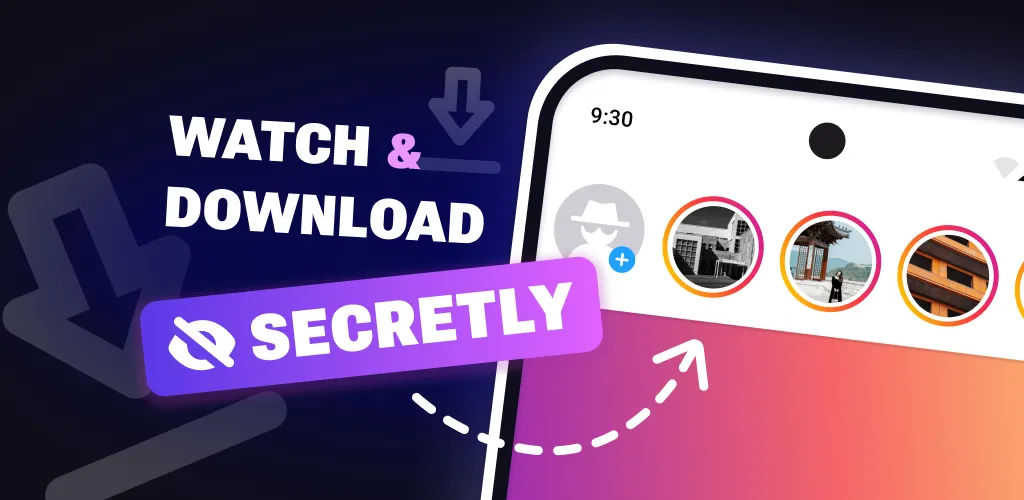
For those who prefer a more straightforward approach, using a third-party app like “IncoStory” can be an effective solution. “IncoStory” is designed specifically to let you view Instagram stories anonymously. Here’s how to use it:
- Download and Install IncoStory: Grab the IncoStory app from the official site.
- Open IncoStory and Log In: Once installed, open the app and log in with your Instagram credentials.
- Search for the User: Use the search function within IncoStory to find the profile of the user whose stories you want to view.
- View Stories Anonymously: The app allows you to view stories without notifying the user. You can watch stories without worrying about being seen.
3. Use a Second Account and Block the User After Viewing

Another method involves using a second Instagram account and blocking the user after viewing their story. This method is slightly more complex but effective:
- Create a Second Instagram Account: If you don’t already have a second account, create one. Make sure it’s not linked to your main account to avoid suspicion.
- Follow the User from Your Second Account (Optional): Follow the user whose stories you want to view. Ensure that their profile is public, or wait for them to accept your follow request if their profile is private.
- View the Stories: Watch their stories from your second account.
- Block the User: Immediately after viewing the stories, block the user. When you block someone, your view of their story gets removed from their view count.
- Unblock the User (Optional): You can unblock the user after some time if you wish to keep the second account active for future use. However, note that blocking and unblocking repeatedly might raise suspicions.
4. IncoStory Online Viewer (Instant, No App, No Login)
If you just need a quick, one-off anonymous look at someone’s public Instagram stories, the easiest option by far is the IncoStory Online Viewer. It works entirely in your browser — no app download, no account creation, and no login whatsoever.
Here’s how it works:
- Open the viewer: Head to IncoStory Online Viewer in any browser on any device.
- Enter the username: Type in the public Instagram username you want to check.
- Browse stories anonymously: The viewer fetches and displays that account’s active stories. The account owner is never notified, and your identity is never revealed.
- Save if needed: You can download individual story frames directly from the viewer.
Because it’s browser-based, there’s nothing to install and nothing tied to your own Instagram account. It’s the fastest route to view Instagram stories anonymously online for free — ideal for a quick check when you don’t want to go through the effort of the other methods. For a head-to-head look at how this tool stacks up against similar services, see also: StoriesIG vs IncoStory.
Comparison of All 4 Methods
| Method | Speed | Privacy | Save Stories | Works for Private | Convenience |
|---|---|---|---|---|---|
| Airplane Mode | Medium — must wait for pre-load | High — no data sent while viewing | No | No | Moderate — requires timing |
| IncoStory App | Fast | High — app masks your identity | Yes | Yes (with login) | High — dedicated tool |
| Second Account + Block | Slow — account setup required | Medium — account could be traced | No | Yes (if followed) | Low — multi-step process |
| IncoStory Online Viewer | Instant | Very high — no login, no trace | Yes | No (public only) | Very high — open URL, done |
Frequently Asked Questions
Which method is safest for viewing Instagram stories anonymously?
The IncoStory Online Viewer is the safest for a one-off check because it requires no Instagram credentials and leaves no account-level trace. The IncoStory app is the best all-round option if you need to view stories regularly or need access to private accounts, since it is purpose-built to keep your identity hidden.
Does Instagram notify you when someone screenshots a story?
No — as of 2026, Instagram does not send notifications when someone takes a screenshot of a regular story. Notifications for screenshots only apply to disappearing photos or videos sent in direct messages, not to stories posted to a profile.
Can I view private Instagram stories anonymously?
Viewing private stories anonymously is significantly harder. The Airplane Mode trick and the IncoStory Online Viewer only work for public accounts. The IncoStory app supports private accounts when you authenticate with Instagram credentials. The second-account-plus-block method can also work, but only after the private account accepts your follow request — which defeats part of the anonymity goal.
Will these methods trigger Instagram to notice unusual activity on my account?
Airplane Mode and the IncoStory Online Viewer carry virtually zero risk because they do not interact with the Instagram API through your account. The IncoStory app is designed to stay within normal usage patterns to avoid flags. The burner-account-and-block approach carries the most risk: repeatedly creating accounts and blocking users can prompt Instagram to review or restrict those accounts.
Is IncoStory free to use?
Yes. Both the IncoStory app and the IncoStory Online Viewer are free to use for anonymous story viewing. The app is available at incostory.com.
By using these four methods, you can maintain your privacy while staying updated with the stories that interest you. Whether you want a no-fuss browser-based solution via the IncoStory Online Viewer, a feature-rich dedicated app like IncoStory, the classic Airplane Mode trick, or a second account workaround, there is an approach to suit every situation — all without leaving a trace.

View Instagram Stories Anonymously
Right in your browser, no login needed. Or get the app for unlimited viewing and downloads.
★ 4.9 · 250K+ users