Does Instagram Notify When You Screenshot a Story? (2026 Truth)
If you’ve ever hesitated before screenshotting an Instagram story, you’re not alone. It’s one of the most Googled Instagram questions every year, and the answer has changed more than once over the platform’s history. Let’s clear it up once and for all — no speculation, just what Instagram actually does in 2026.
The Short Answer
For the vast majority of content on Instagram, no notification is sent when you take a screenshot. Specifically:
- Regular stories — no notification, ever.
- Reels — no notification.
- Feed posts — no notification.
- Highlights — no notification.
- Disappearing photos or videos sent in a DM — yes, the sender is notified.
That’s the full picture. The only scenario where Instagram actively alerts someone is when you screenshot (or screen-record) a disappearing photo or video inside a direct message thread. Everything else is fair game from a notification standpoint.
Regular Stories — No Notification
When someone posts a story to their profile — even a Close Friends story — Instagram does not tell them who screenshotted it. This has been the case consistently since 2018, when Instagram quietly rolled back a brief test of screenshot notifications that ran in early versions of the app.
What Instagram does track for stories is the viewer list: anyone who opens and watches a story is recorded. The account owner can tap on their own story and see a list of every person who viewed it. But viewing and screenshotting are tracked separately — a screenshot adds nothing to that list and generates no additional alert.
This means you can take a screenshot of any public or private regular story without the poster finding out. The story might disappear after 24 hours, but the person never receives a ping saying you captured it.
One nuance worth knowing: Instagram’s viewer list is only visible while the story is live. Once the 24-hour window expires and the story moves to archive, the poster can no longer check who saw it. So the window for them to even notice your username in the viewer list is limited.
Disappearing Photos and Videos in DMs — Yes, You Are Notified
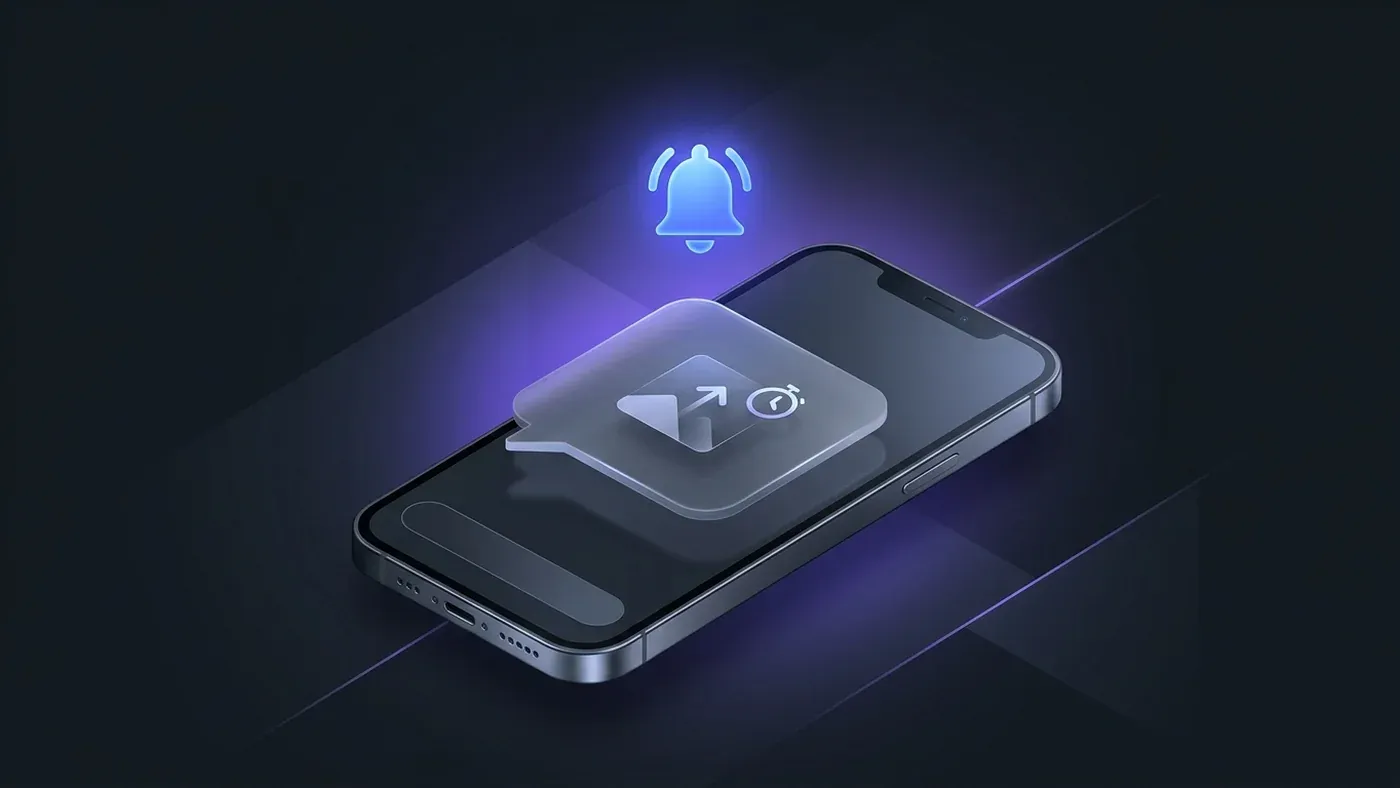
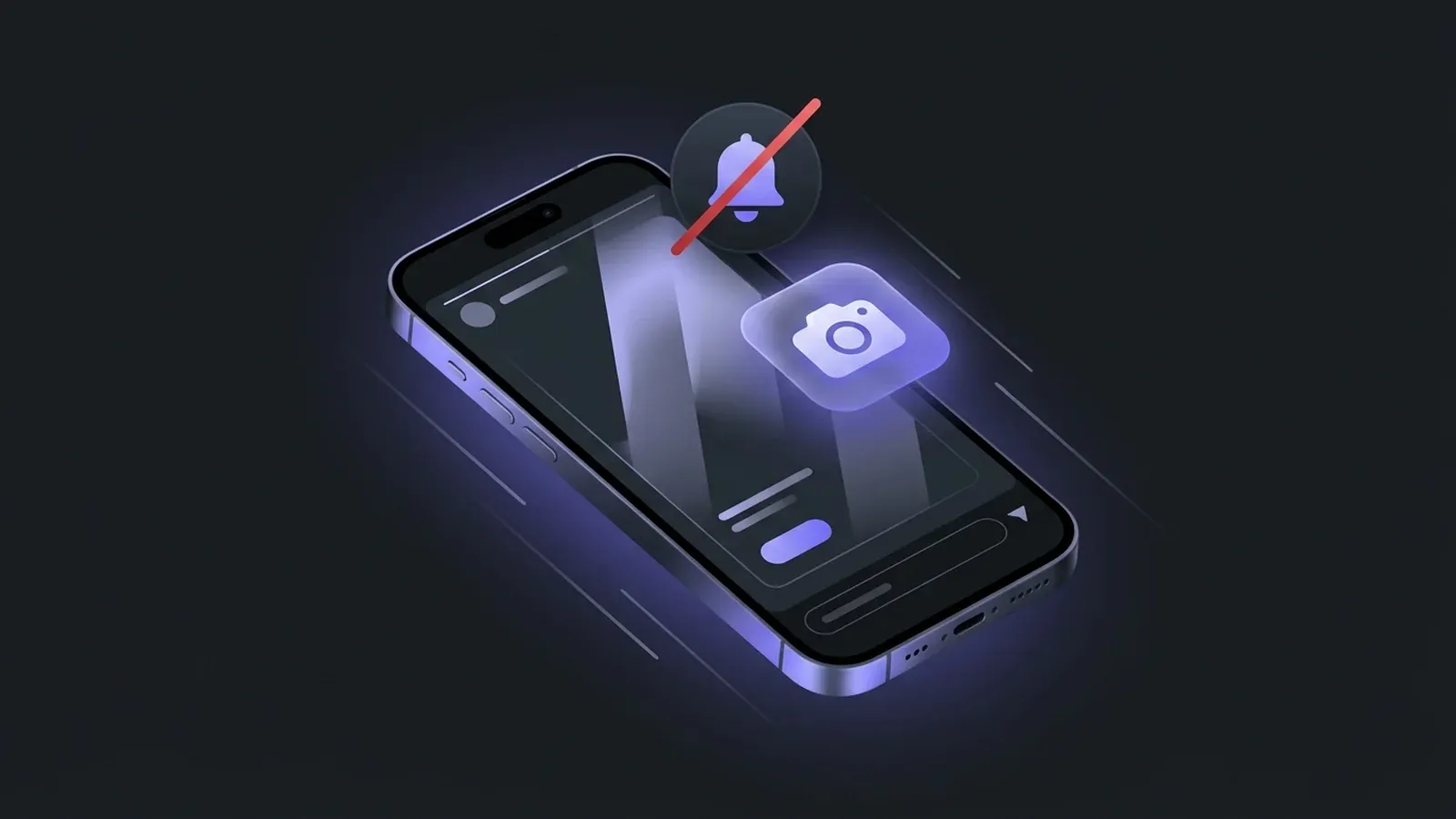
This is the one case where Instagram does send a screenshot notification. If someone sends you a photo or video using the disappearing media feature inside a direct message — the kind that can only be viewed once or twice before it vanishes — and you take a screenshot or record your screen while viewing it, the sender receives a notification in the chat thread.
The notification appears as a small camera icon next to your name in the message thread, indicating that you captured the content. The sender can see this even after the media itself has disappeared.
The same applies to screen recordings. Instagram’s detection here is done at the OS level, so it works whether you use the standard screenshot shortcut or the built-in screen recorder.
A few things this does not cover: disappearing media in group chats (detection is less consistent), screenshots of the chat thread itself (the surrounding text and thumbnails), or any regular photo or video shared as a permanent attachment in a DM.
What About Reels, Posts, and Highlights?
No notifications for any of these. You can screenshot a reel, save a post, or capture a highlight frame without the account owner receiving any alert. Instagram’s notification system simply does not extend to these content types.
Highlights are essentially a collection of archived stories pinned to a profile. Because regular stories already carry no screenshot notification, highlights inherit the same policy — screenshotting one is completely silent from the poster’s perspective.
How to Check if Someone Screenshot Your Story (You Can’t)
This leads to a common follow-up question: if you’re the story poster, can you tell if someone grabbed a screenshot?
The honest answer is no. Instagram provides no data on this. The viewer list shows you who watched the story, not who screenshotted it. There is no separate “screenshot” tab, no counter, no notification — nothing.
Despite this, a small industry of third-party apps and websites claims to detect who screenshotted your story. These claims are false. Instagram’s API does not expose screenshot data to external developers. Any app making this promise is either guessing, fabricating results, or — more likely — harvesting your login credentials for other purposes. Avoid them.
If privacy around your story content genuinely concerns you, the more effective approach is to use Instagram’s Close Friends list to limit who can see a story in the first place, rather than relying on post-hoc detection that doesn’t exist.
Taking Screenshots Safely
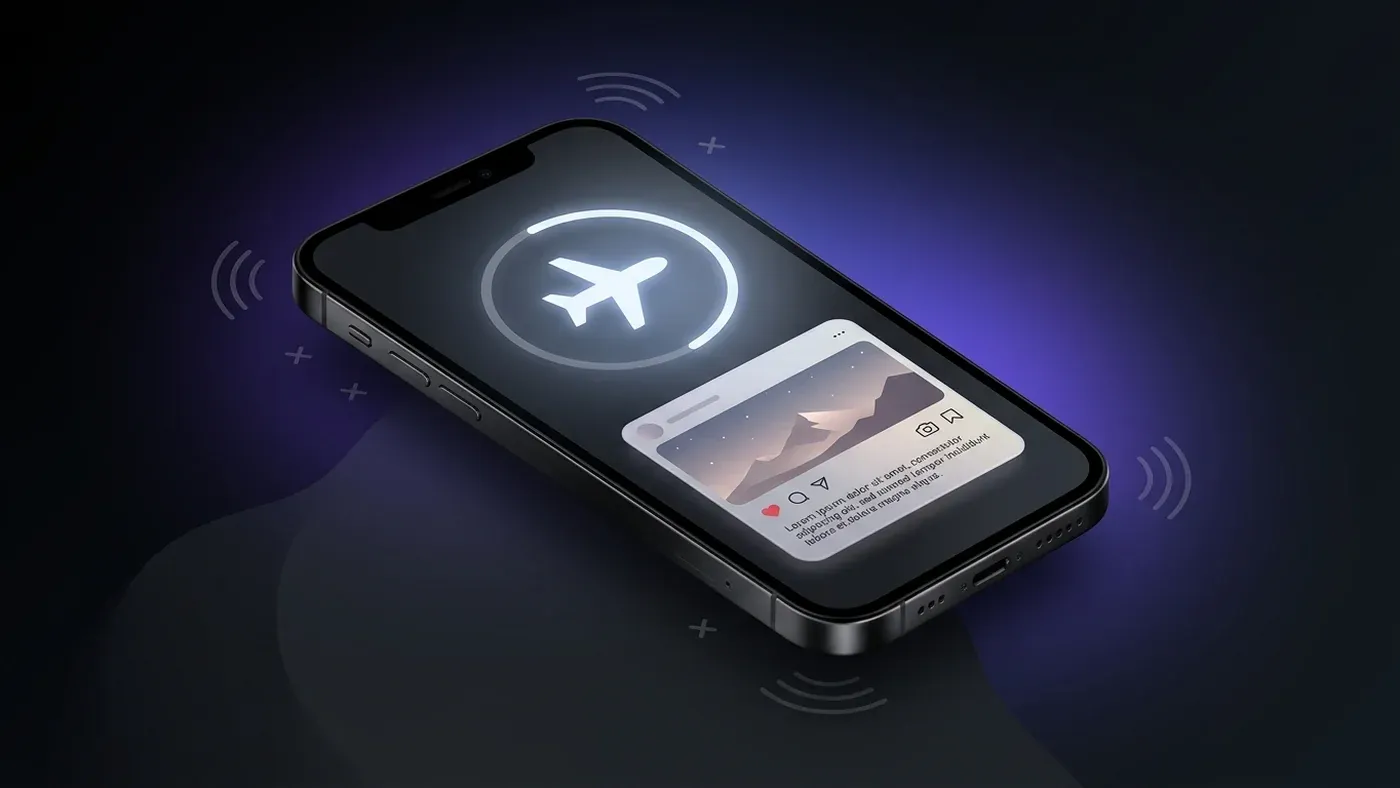
If you want to screenshot a story without appearing in the viewer list at all — not just avoiding a screenshot notification, but avoiding any trace — the method changes:
Airplane Mode trick: Open Instagram and let the story pre-load in the feed (you’ll see the colored ring around the profile picture). Switch your device to Airplane Mode before tapping the story, then view and screenshot it. Because your device is offline, Instagram cannot register the view. Close the app entirely before turning Airplane Mode off. This approach is detailed more fully in our guide on viewing Instagram stories anonymously.
Anonymous story viewers: Tools like the IncoStory Online Viewer let you browse and screenshot public stories in your browser without being logged in. Since you’re not authenticated, your Instagram account never appears in the viewer list — and there’s no screenshot notification to worry about. For a comparison of different anonymous viewer tools, see StoriesIG vs IncoStory.
The IncoStory app: For private accounts or more regular use, the IncoStory app routes your viewing through its own infrastructure so the account owner sees IncoStory’s activity rather than yours. Screenshots taken on your device after loading stories through the app carry the same zero-notification policy as any other story screenshot.
FAQ
Does Instagram notify when you screenshot a Close Friends story?
No. Close Friends stories behave identically to regular stories when it comes to screenshots. The Close Friends designation restricts who can see the story, but it does not add screenshot detection. Screenshotting a Close Friends story generates no notification for the poster.
Can Instagram detect a screenshot if I use a third-party screen recorder?
For disappearing DM media, yes — Instagram’s detection hooks into the OS-level screenshot and screen-recording APIs, so most capture methods are caught. For regular stories, the question is moot because there is no screenshot detection at all, regardless of what tool you use.
What happens if I screen-record an Instagram story?
The same rules apply as to screenshots. Screen-recording a regular story: no notification. Screen-recording a disappearing DM photo or video: the sender is notified, exactly as they would be for a screenshot.
Did Instagram ever notify users about story screenshots?
Yes, briefly. In early 2018, Instagram tested screenshot notifications for stories and even direct messages. The feature was rolled back within a few months and has not returned. Since then, screenshot notifications have been limited exclusively to disappearing DM content.
If I screenshot a story and then the story expires, can the poster still find out?
No. Once a story expires, the poster loses access to the viewer list, and there was never any screenshot record to begin with. There is no retroactive notification or data that reveals a screenshot was taken.
The bottom line is simple: screenshot Instagram stories freely — regular stories, highlights, reels, and feed posts generate no notifications whatsoever. Save the caution for disappearing DM content, where a notification is guaranteed. And if you want to view stories without leaving any trace at all, the IncoStory app and the IncoStory Online Viewer are built exactly for that.

View Instagram Stories Anonymously
Right in your browser, no login needed. Or get the app for unlimited viewing and downloads.
★ 4.9 · 250K+ users