Insnoop vs IncoStory: Anonymous Instagram Story Viewer Comparison (2026)
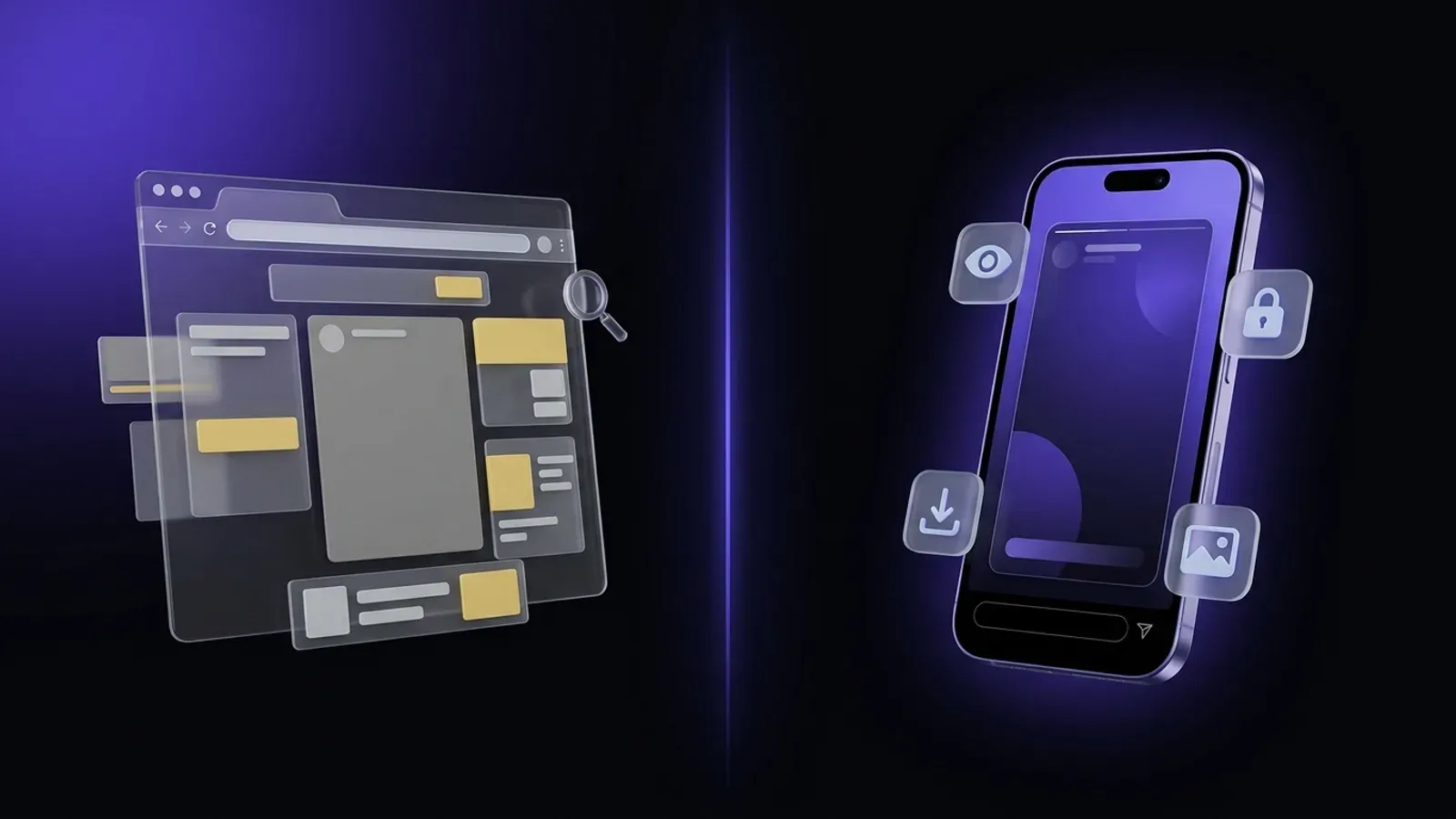
Both Insnoop and IncoStory solve the same problem: letting you watch Instagram stories without the account owner knowing you were there. But the two tools are built very differently. Insnoop is a web-only tool — open the site, enter a username, done. IncoStory is a broader ecosystem: a free web viewer for quick, one-off checks paired with a full-featured mobile app for users who view stories regularly. Depending on how often you need anonymous viewing and what extras matter to you, one will suit you considerably better than the other.
What Is Insnoop?
Insnoop (insnoop.com) is a free, browser-based Instagram story viewer supported by ads. You don’t need to create an account or install anything — paste a public username into the search bar and the site immediately shows that user’s active stories, profile information, and recent posts all in one place.
Its strengths are real and worth acknowledging:
- Zero setup — works in any browser on any device, instantly.
- No login required — your Instagram credentials stay completely out of the picture.
- All-in-one profile view — stories, bio, follower count, and recent feed posts are shown together, which can save time compared to tools that only surface stories.
- Completely free — there’s no paid tier or subscription gate.
For a genuinely one-off lookup where you just need to see what’s currently posted, Insnoop gets the job done with minimal friction.
What Is IncoStory?
IncoStory is an anonymous Instagram story viewer that offers two entry points depending on what you need. The IncoStory Online Viewer runs directly in your browser — no account, no installation — and works just as smoothly on mobile as it does on desktop. For users who view stories more regularly, the IncoStory mobile app (available for iOS and Android) adds a deeper feature set: bulk downloads, highlights support, a PIN-protected private gallery, a favorites list, and the ability to watch stories from private accounts you already follow without appearing in their viewer list.
The key distinction is flexibility. If a quick browser check is all you want today, the web viewer covers it. If you find yourself coming back daily, the app is waiting without any awkward migration — it’s the same service, just with more power unlocked.
Feature Comparison Table
| Feature | Insnoop | IncoStory Web | IncoStory App |
|---|---|---|---|
| Free | ✅ | ✅ | ✅ (free tier) |
| No install | ✅ | ✅ | ❌ |
| No login | ✅ | ✅ | Optional |
| Anonymous | ✅ | ✅ | ✅ |
| Mobile-optimized | Partial | ✅ | ✅ |
| Ad-free | ❌ | ✅ | ✅ |
| Bulk download | ❌ | ❌ | ✅ |
| Highlights download | ❌ | ❌ | ✅ |
| Private gallery | ❌ | ❌ | ✅ |
| Favorites / bookmarks | ❌ | ❌ | ✅ |
✅ Insnoop Pros
- Completely free — no paywalls, no subscriptions, no sign-up.
- Zero setup — open the page and start searching; nothing to install or configure.
- Stories, profile, and recent posts in one view — useful for a quick all-round look at a public account without switching between tools.
❌ Insnoop Cons
- Ad-heavy experience — popups, sticky banners, and interstitial ads appear frequently, which can disrupt viewing, especially on smaller screens.
- No bulk download — stories must be saved one at a time, if the option is available at all.
- Public accounts only — private profiles are completely inaccessible.
- No saved profiles or history — every session starts from scratch; there’s no way to bookmark accounts you check regularly.
- Web-only, no offline access — there’s no mobile app and no way to save stories for offline viewing once you close the tab.
✅ IncoStory Pros
- 🌐 Web viewer too — no install needed — the IncoStory Online Viewer works instantly in any browser, free and without registration. Same anonymity as any web tool, with a cleaner, ad-free experience.
- Bulk save — download all of a user’s active stories in one tap from the mobile app.
- Highlights support — browse and download Instagram highlight reels, not just active stories.
- Private gallery with PIN — saved stories are stored inside the app, protected by a passcode or biometric lock, rather than landing in your camera roll.
- Favorites list — bookmark accounts you check often and revisit them with a single tap.
- Works for private accounts — in the app, log in with your own Instagram account to watch stories from people you follow without appearing in their viewer list.
- Ad-free — both the web viewer and the mobile app are free of intrusive advertising.
❌ IncoStory Cons
- Advanced features require the mobile app — bulk downloads, highlights, private gallery, and bookmarks are app-only. The web viewer itself is free and covers straightforward anonymous story viewing.
Try IncoStory Online — No Install
If what put you off about Insnoop is the ad load but you still don’t want to install anything, the IncoStory Online Viewer is the direct alternative. Go to the page, type in any public Instagram username, and you’ll see their current stories immediately — anonymously, for free, in your browser. It works equally well on desktop and on mobile, so there’s no need to switch devices.
The web viewer is permanently free with no registration required. If you later decide you want bulk saves, highlights, or bookmarked profiles, the IncoStory app is a one-step upgrade — and everything you already know about the interface carries over.
Which Should You Choose?
Choose Insnoop if you genuinely need a one-time, zero-friction lookup and don’t mind navigating around ads. It’s a legitimate free tool, and for a single profile check where you just want to see stories and recent posts without installing anything, it works.
Choose IncoStory if you view stories more than occasionally, care about an ad-free experience, or know you’ll eventually want features like bulk downloads, highlights, or bookmarked profiles. Start with the free web viewer — it costs nothing and requires nothing — and move to the app if and when you want more. There’s no pressure to install upfront, but the option is there whenever you need it.
Frequently Asked Questions
Is Insnoop safe to use? Insnoop doesn’t ask for your Instagram credentials, so your login details aren’t at risk. The main concerns are practical rather than security-related: the site carries a significant number of ads including popups, and there are no data protection features like a private gallery or password lock. For occasional lookups where you’re not saving anything sensitive, the risk is low.
Is IncoStory better than Insnoop? It depends on your usage. For a single quick lookup, both tools are roughly equivalent — you enter a public username and see their stories. IncoStory becomes the clearer choice as soon as you want an ad-free experience, regular use without re-entering usernames, bulk saves, highlights, or private account support.
Can Insnoop see private accounts? No. Insnoop only works with public Instagram profiles. If an account is set to private, Insnoop cannot retrieve its stories.
Does Insnoop notify the profile owner? No. Insnoop retrieves publicly available content without logging into Instagram as you, so the account owner does not receive a view notification. The same applies to IncoStory’s web viewer. (In the IncoStory app, even when you log in with your own account to access private profiles, your username is still hidden from the story viewer list.)
Is IncoStory free? Yes. The IncoStory Online Viewer is entirely free with no registration or account needed. The mobile app also has a free tier that covers anonymous story viewing with generous daily limits. A paid plan removes those limits and unlocks the full feature set.
For a broader look at how IncoStory compares to other popular tools, see the StoriesIG vs IncoStory comparison. Ready to try it yourself? Open the IncoStory Online Viewer for a free anonymous story check right now, or visit the IncoStory app page to learn more about the mobile experience.

View Instagram Stories Anonymously
Right in your browser, no login needed. Or get the app for unlimited viewing and downloads.
★ 4.9 · 250K+ users