How to Download Instagram Stories: 4 Fast and Free Methods
Instagram stories vanish after 24 hours, which is part of what makes them fun — and part of what makes them frustrating. Maybe a friend posted a clip from a trip you wish you had, or you’re a creator archiving your own work before it disappears. Marketers pull competitor stories for research, small brands save tagged posts featuring their products, and plenty of people just want to keep memories they’d otherwise lose. Learning how to download Instagram stories gives you a reliable way to hold onto content Instagram treats as disposable. This guide covers four methods — from a no-install web tool to native screen recording — and helps you pick the right one.
Why download Instagram stories?
The 24-hour expiration window is the biggest reason people save stories. Unless a creator adds a post to Highlights, it’s gone the next day — and Highlights can be deleted without warning too. If you want a permanent copy, you have to act within that window.
Real use cases span more ground than you’d expect. Parents archive family stories from relatives. Creators back up their work so a banned account doesn’t wipe years of content. Social-media managers pull competitor stories for research. Journalists grab public posts as evidence before they disappear. Travelers keep stories as souvenirs from trips with friends who happened to be the photographer.
4 ways to download Instagram stories
There’s no single “best” method — each option trades something off. Here are the four that actually work in 2026.
1. IncoStory Web Viewer — no install, no login
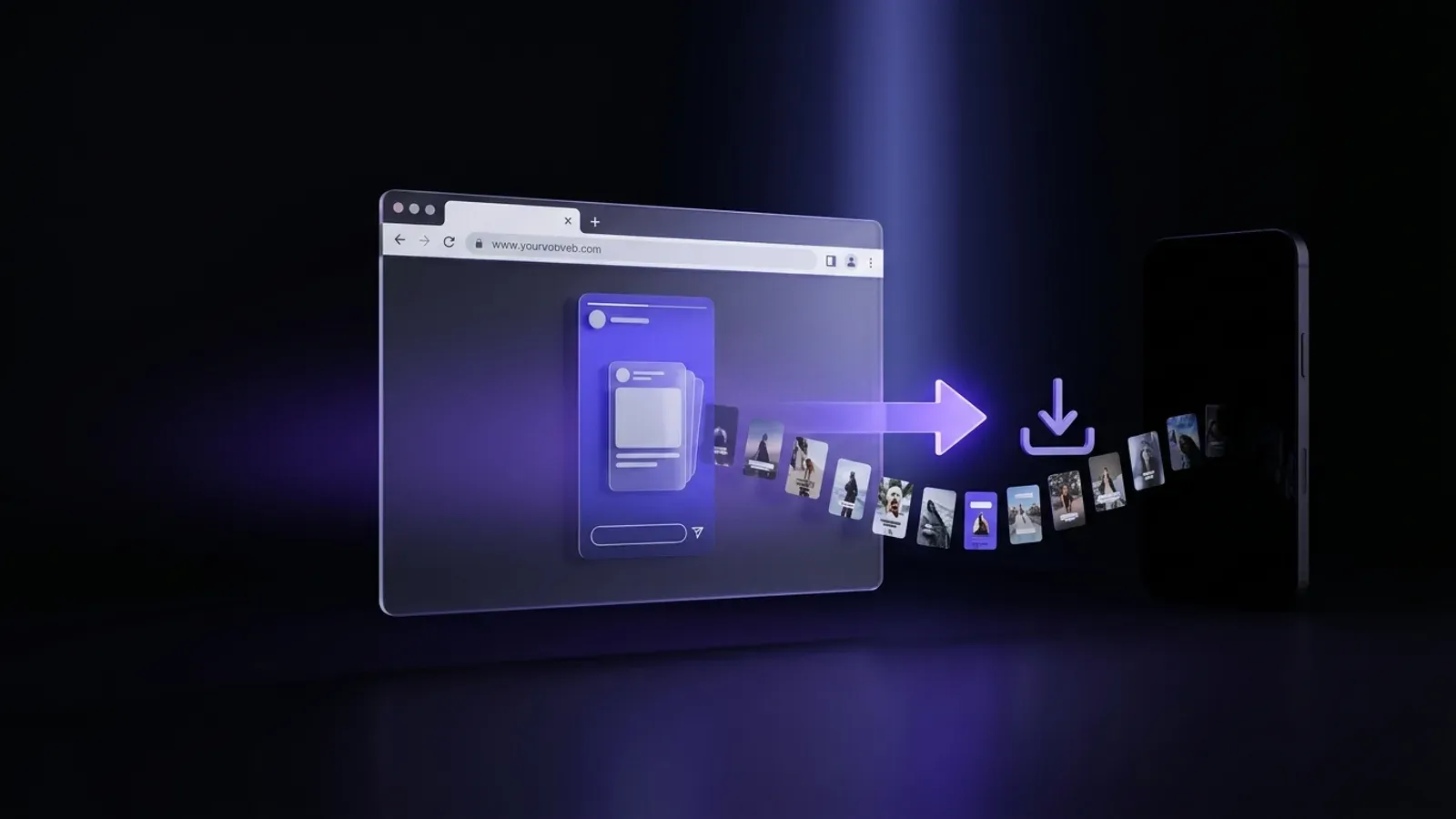
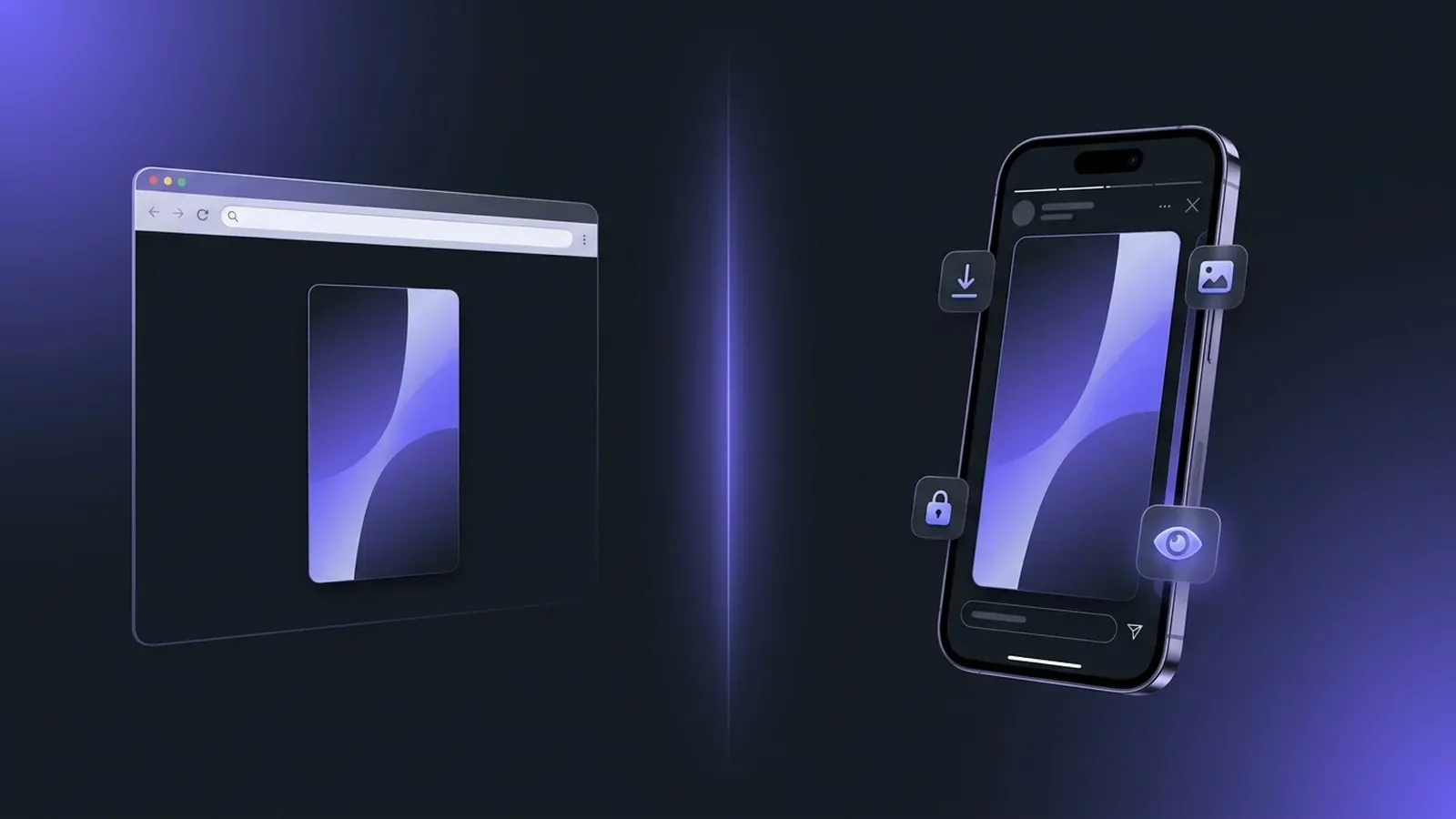
The fastest path is a browser-based viewer. The IncoStory web viewer lets you view and save Instagram stories from any public account — no account, no install, no password. It runs on desktop or mobile, and the full flow takes under a minute.
Here’s the step-by-step:
- Open the IncoStory site in any browser.
- Type the public username into the search field.
- The tool pulls active stories and shows them in a gallery view.
- Tap a story, then hit the download icon. Files save in original resolution — photos as JPG, videos as MP4.
This works well for occasional saves. It also leaves no trace on Instagram’s side: the account owner never sees you in their viewers list because you’re never logged in. The trade-off is that browser tools don’t support bulk saving — if a profile posted 15 stories, you’ll grab them one at a time. It also only works on public accounts, which is true of every legitimate method.
2. IncoStory App — unlimited + bulk download
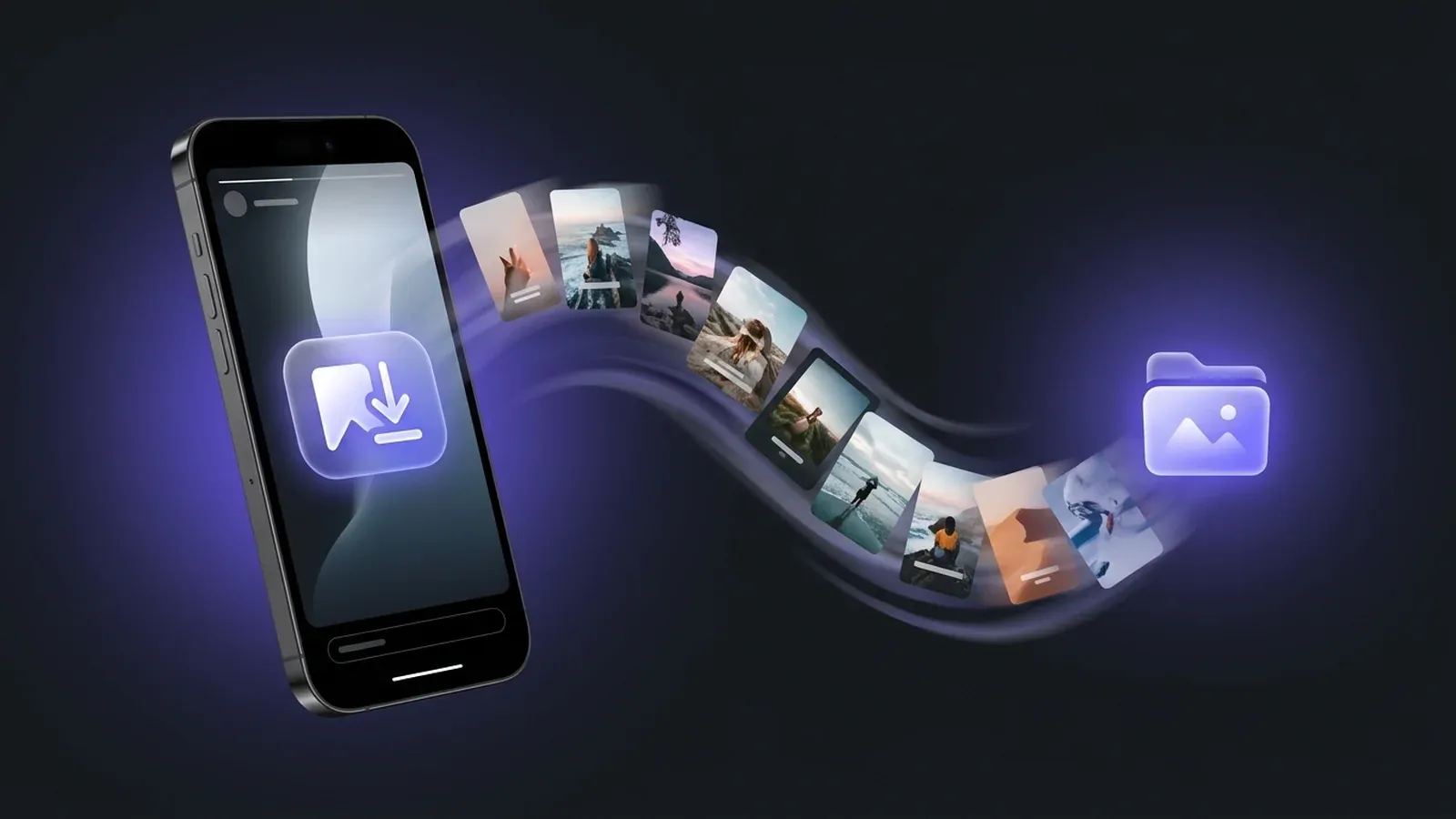
For heavier use, the IncoStory app for iOS and Android is the better fit. It’s the only method on this list that supports true bulk download — one tap grabs every active story from a profile and drops the files into a private gallery.
What the app does that the web viewer doesn’t:
- Bulk download. See the bulk download guide for the walkthrough. Useful when tracking profiles that post a dozen-plus stories a day.
- Original quality. Videos keep their audio and full resolution. Photos stay at the resolution Instagram served — no recompression.
- Private PIN gallery. Saved stories live inside the app, locked behind a PIN. Nothing touches your camera roll unless you export.
- Highlights and older content. The app handles Highlights too, not just 24-hour stories.
Install from the App Store or Google Play, search a public username, and hit Save All. No Instagram login is ever requested — the app reads public data only. This is the right choice if you regularly save content from the same accounts or need a reliable archive workflow.
3. Screenshot
The oldest method still works. On iOS, press the side button plus volume up. On Android, it’s usually power plus volume down, though some manufacturers swap the combo. The image lands in Photos or Gallery instantly.
Screenshots are fast and require zero setup, but the drawbacks are real. You only capture the frame on screen, which means you lose the video portion entirely — no motion, no audio, just a still. You’ll also grab the Instagram UI (progress bar, username header, reply field) unless you crop afterward. Quality takes a hit too: you’re capturing whatever your screen rendered, not the original file. For a quick save of a single photo story, it’s fine. For anything else, skip it.
4. Screen recording
Both iOS and Android ship with native screen recorders, and for video stories this is the one built-in option that preserves motion and sound. On iOS, add Screen Recording to Control Center, then tap the record button before opening the story. On Android 11 and later, pull down the notification shade and tap the Screen Record tile.
Start recording, open Instagram, watch the story through, then stop. You’ll get an MP4 in your camera roll. To capture audio, enable the microphone or internal audio option first — iOS defaults to no audio, Android varies by manufacturer.
Trade-offs: the recording captures your screen at screen resolution, not the original encoding, so you’re re-encoding a re-encoded file. Quality softens on older phones. It also picks up any notifications mid-capture, and you have to sit through each story in real time. Decent for a one-off video save when nothing else is installed.
Quick comparison of all 4 methods
| Method | Quality | Speed | Bulk | Anonymous | App required |
|---|---|---|---|---|---|
| IncoStory Web | Original | Fast | No | Yes | No |
| IncoStory App | Original | Very fast | Yes | Yes | Yes |
| Screenshot | Low | Instant | No | Yes | No |
| Screen recording | Medium | Real-time | No | Yes | No |
What’s the best way to save Instagram stories?
It depends on what you’re doing. Grabbing one or two clips from a friend’s account once in a while? The web viewer is the sensible choice — no install, no account, original files, done in a minute. Saving regularly, tracking multiple accounts, or backing up a creator’s output over time? The app earns its install through bulk download and the private gallery. Both deliver the same base quality.
Screenshots and screen recording only make sense when you can’t use a third-party tool — a work device with app restrictions, or a quick still for a DM reply. Both sacrifice quality, and neither handles bulk. For audio-enabled saves, the download stories with music guide covers music-licensing quirks that silence audio on certain clips.
For a deeper comparison with other web tools, the StoriesIG vs IncoStory comparison breaks down speed, reliability, and features side by side.
Tips to download Instagram stories privately
Most story-downloader sites are fine. A few are not, and the difference matters because Instagram credentials get harvested and resold constantly. A few rules that keep you safe:
- Never use a site or app that asks for your Instagram login. Legitimate tools read public data — they don’t need your password. A login prompt is a red flag every time.
- Confirm the URL before typing. Downloader sites get cloned with lookalike domains (extra hyphens, swapped letters, fake TLDs) that phish for logins. Bookmark the real one.
- Skip random APK files. On Android, install from Google Play, not a sideload link. Sideloaded downloaders are a common malware vector.
- Watch the permissions. A story viewer doesn’t need access to contacts, SMS, or location. If an app asks for more than storage, uninstall it.
Following these four rules puts you ahead of most users. The tools that respect your privacy are the ones that don’t ask for it in the first place.
Frequently asked questions
Is it legal to download Instagram stories? Downloading public content for personal use — saving a friend’s story, archiving your own posts, keeping a memory — is generally fine under fair-use principles in most countries. Redistributing someone else’s content publicly, especially commercially, can violate copyright. Marketers and journalists should reach out to the creator for permission before republishing. Private use is low-risk; public republishing is where legal issues start.
How do I download Instagram stories in HD? Use either the IncoStory web viewer or the app. Both pull the original file Instagram stored, preserving the resolution the creator uploaded at. Screenshots and screen recording re-encode through your device’s display, which softens quality. For the sharpest possible copy, stick with the web viewer for one-offs and the app at scale.
Can I download stories from private accounts? No, and any tool claiming otherwise is either lying or phishing for credentials. Private accounts are protected by Instagram’s access control — only approved followers logged into Instagram can see those stories. Tools that read public data cannot see private content. If someone you follow posts privately, your only option is to screen-record from inside your own Instagram session.
Does downloading a story show up in the viewers list? With the web viewer or IncoStory app, no — you’re not logged into Instagram, so there’s no viewer record. If you screenshot or screen-record from inside Instagram while logged in, your username appears in the viewers list like any normal view. Instagram does not currently notify users when a story is screenshotted or recorded.
How do I download Instagram stories with music? The IncoStory app preserves audio tracks on video stories, including music, as long as the track is still licensed. The web viewer does the same for most clips, though licensed music occasionally gets stripped by Instagram itself. The download stories with music guide covers the edge cases when audio goes missing.
What’s the best free site to download Instagram stories? The IncoStory web viewer is free, requires no account, and works in any browser. It handles photos and videos, preserves original quality, and leaves no footprint on the account you view. For bulk saving, a private gallery, or background downloads, the free IncoStory app extends the same approach.
Closing
Saving Instagram stories takes 30 seconds once you know the right method. The web viewer covers casual use, the app handles everything heavier, and screenshots or screen recording are there when you can’t reach for anything else. Pick the tool that matches how often you save, keep credentials off random sites, and the content you want will outlast Instagram’s 24-hour clock.

View Instagram Stories Anonymously
Right in your browser, no login needed. Or get the app for unlimited viewing and downloads.
★ 4.9 · 250K+ users